Create realistic product scenes, portraits, and text-rich designs with Nano Banana 2.1. Start with a prompt or visual references, then refine the composition, style, and details through clear instructions.
Text & image inputsReference-guided editsUp to 4K model output
Describe the image you want to create.
1 credits
Transform this image [Upload Your Image] into a 64K DSLR shot resolution of A creative mixed-reality street portrait featuring a real young man (same face as the uploaded image) sitting on concrete steps beside his illustrated cartoon counterpart. The scene is set outdoors against a gray brick wall with a large window above, reflecting trees and indoor lighting, giving an urban neighborhood feel. The sidewalk and steps have worn yellow paint along the edges, adding texture and realism.
On the right sits the real person, a young man (same face as the uploaded image) dressed in early-2000s hip-hop streetwear. He wears an oversized bright yellow graphic T-shirt with a bold circular logo, loose light-blue baggy jeans, white & red chunky sneakers with yellow detailing, and a maroon baseball cap worn forward. He poses casually, seated with legs extended, one arm flexed at the elbow as if showing strength or confidence, looking off to the side with a calm, cool expression.
On the left sits his cartoon illustrated version of himself (same face as the uploaded image) perfectly matching his outfit, pose, and proportions. The cartoon character is drawn in a flat, bold, graphic style with thick black outlines, simplified facial features, and vibrant colors. The illustrated figure mirrors the real person’s posture and clothing exactly same, including the oversized shirt, baggy jeans, red & white sneakers, and maroon cap. The cartoon arm connects visually with the real person’s arm, creating a playful illusion of interaction between illustration and reality. The illustration style resembles hand-drawn street art or animated hip-hop character design, seamlessly integrated into the photograph with accurate scale, alignment, and grounding. The contrast between realistic textures (concrete, brick, denim fabric) and the clean, flat cartoon shading creates a striking visual effect. Lighting is natural daylight, evenly illuminating both the real and illustrated subjects. The overall mood is cool, nostalgic, playful, and creative, blending street fashion, urban culture, and cartoon art into a cohesive mixed-media composition.
Style & Mood Keywords: Mixed media photography, real person with cartoon twin, urban street portrait, hip-hop fashion, Y2K streetwear, bold graphic illustration, cartoon realism blend, playful surrealism, nostalgic urban culture, high-resolution detail, creative storytelling. Octane render & Unreal Engine 5.
From your brief to a visual draft
What is Nano Banana 2.1?
Google's image model for creating visuals from prompts and editing images through written instructions.
Nano Banana 2.1 is Google's image generation and conversational editing model. It combines text and image inputs to help you create new visuals or revise an existing composition.
The Nano Banana 2.1 release date is October 6, 2026. Google's developer documentation lists it as Gemini Nano Banana 2.1, with the model ID gemini-nano-banana-2.1.
Use it when you have a visual brief and want to explore how it could look. A prompt can describe your subject, lighting, background, and wording. Reference images add direction when a face, product, or style matters.
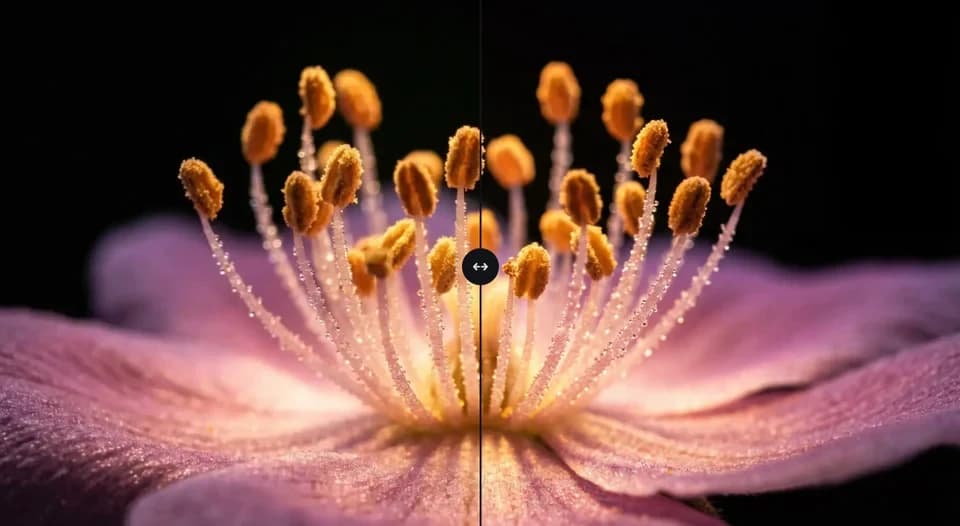
Nano Banana 2.1 updates Nano Banana 2 with improvements to visual quality, instruction following, and text rendering. Results still need review: a clearer image can contain incorrect lettering or altered details.
More control over the details
Nano Banana 2.1 Key Features
Shape the scene, guide the subject, and refine the parts that need another pass.
A useful image needs more than an attractive subject. Nano Banana 2.1 gives you ways to guide composition, work from references, and revisit the details after your first result.
01
Create from a written brief
Describe what should appear and how it should look. Nano Banana 2.1 can generate images from text, so you can explore a product arrangement, a character concept, or a campaign direction before deciding on a final composition.
Ask for a different background, an outfit change, or a new visual style. Explain what should remain in place as well as what should change. Nano Banana 2.1 supports conversational image editing; inspect each revision before making another.
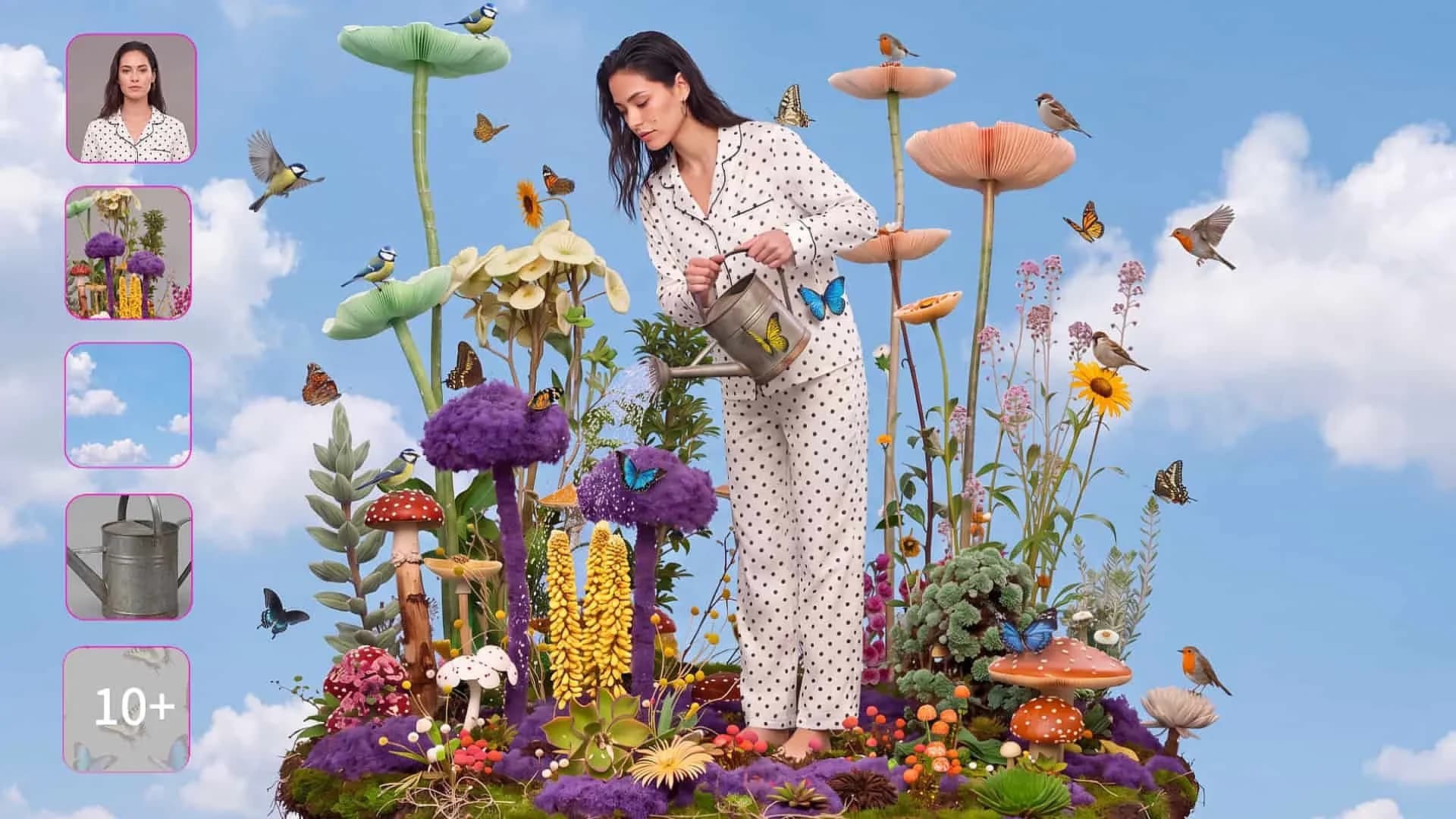
The model supports multiple reference images to guide subjects and visual direction. Choose references that clearly show the relevant details. Nano Banana 2.1 improves subject consistency, but a recognizable face or product still needs careful inspection.
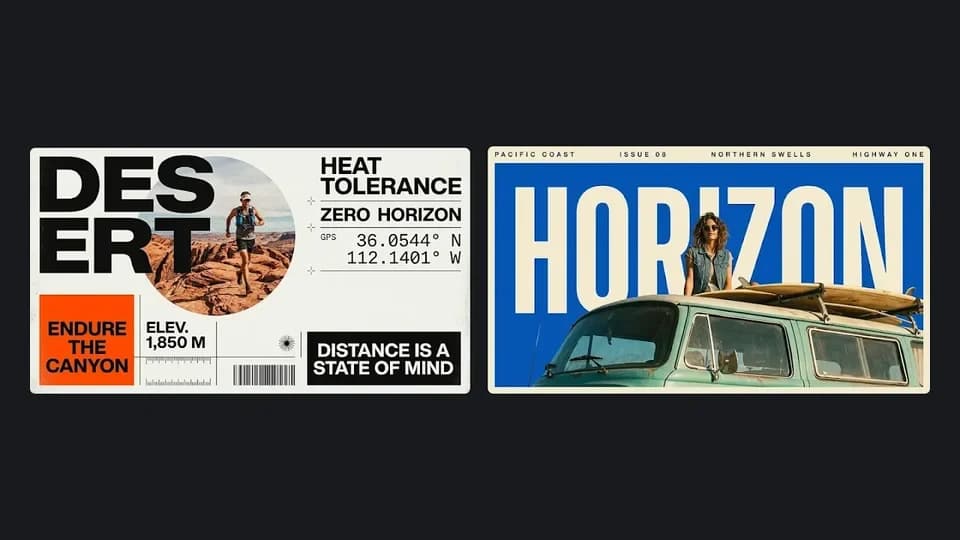
Improved text rendering and infographic layouts help with posters, labels, and visual explanations. Give the exact words and their position. Short headlines are a more practical starting point than dense paragraphs, which remain a documented limitation.
Nano Banana 2.1 supports 1K, 2K, and 4K output at the model level. Plan around your final format, then choose from the settings your workspace actually offers. Higher resolution does not guarantee correct spelling or product details.
Explore product scenes, portrait variations, poster concepts, and visual explanations from a focused brief.
Choose an output that fits your project. Nano Banana 2.1 can help you develop image concepts, but the examples you keep should match your actual subject, message, and intended format.
Product scenes
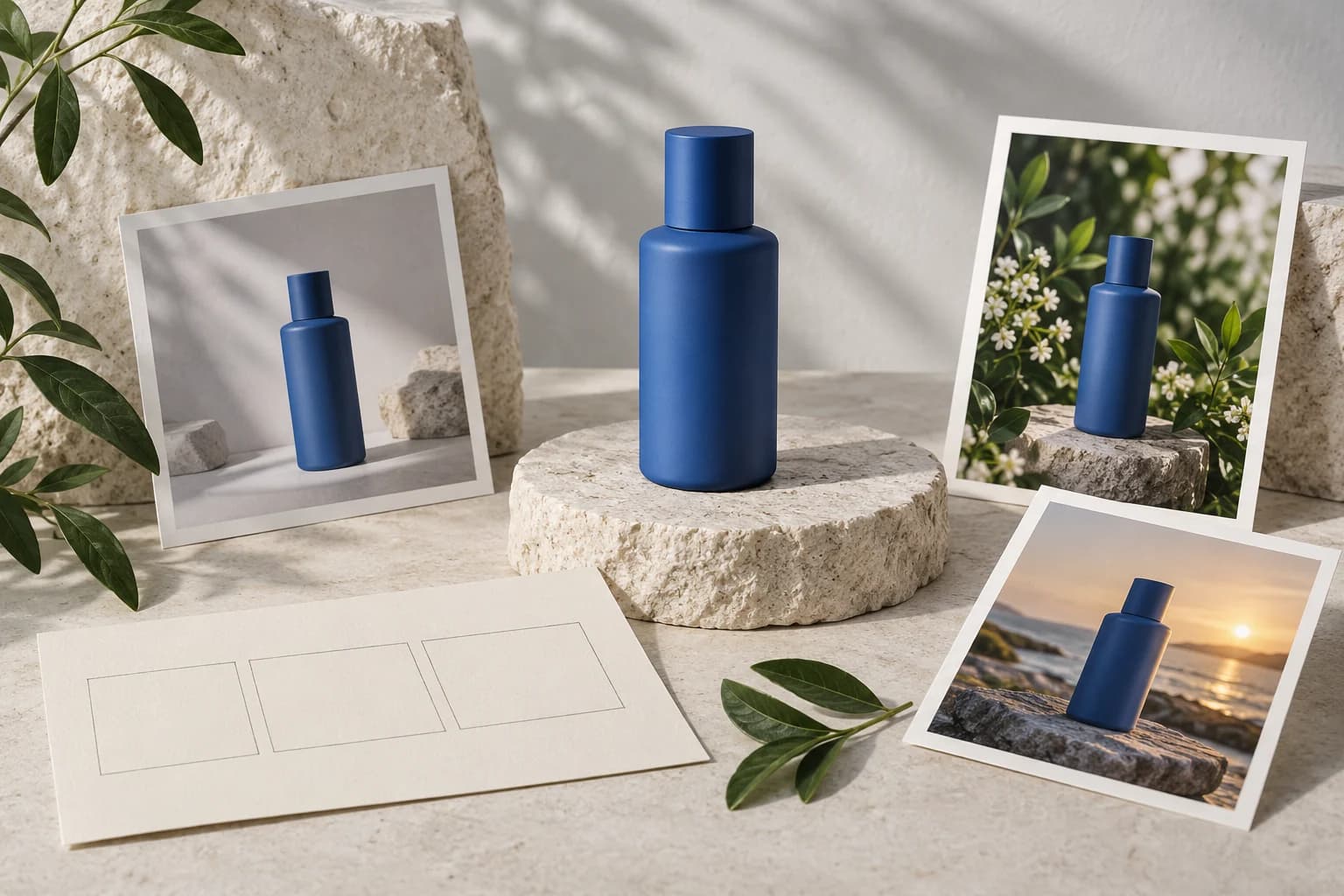
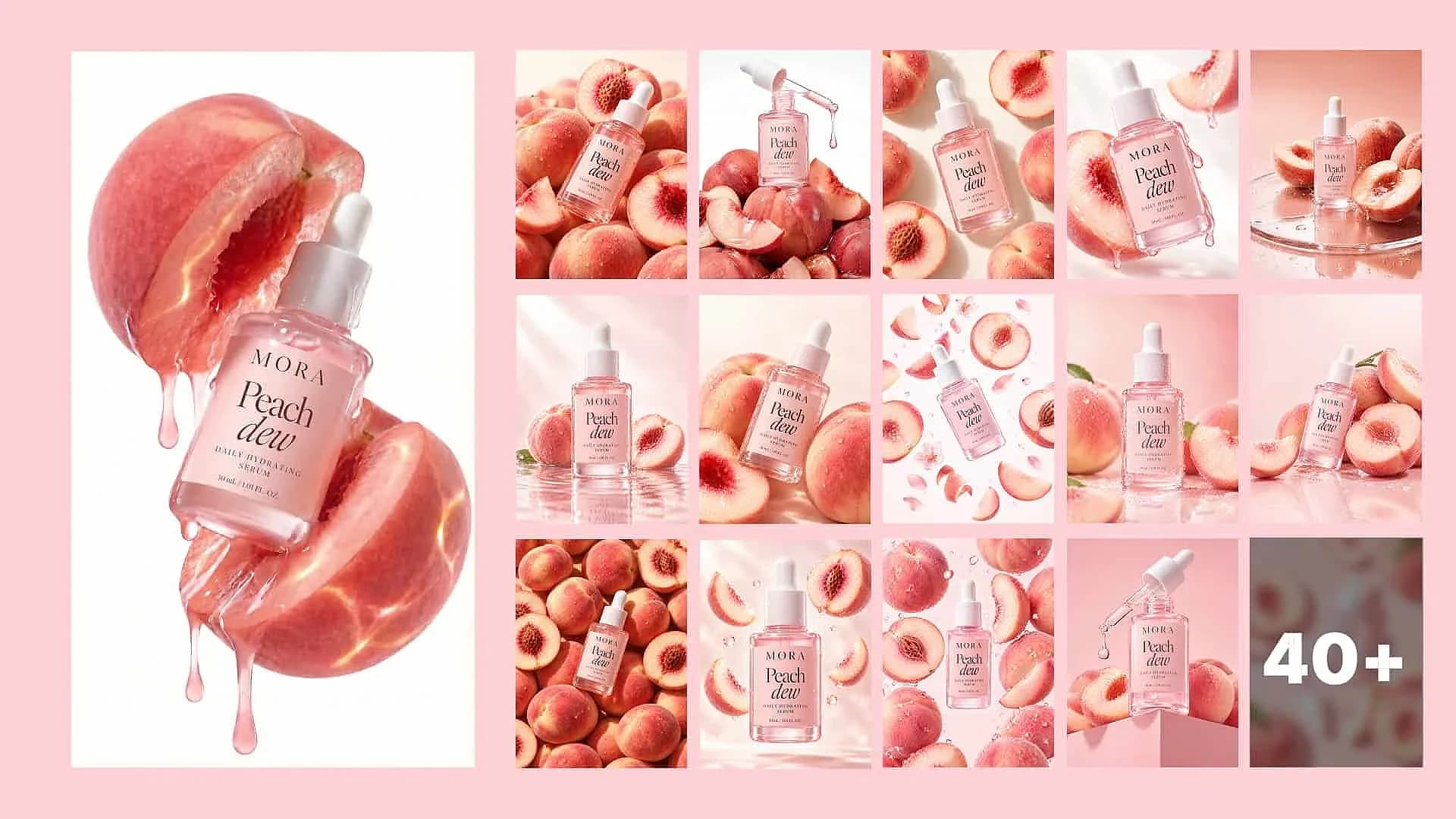
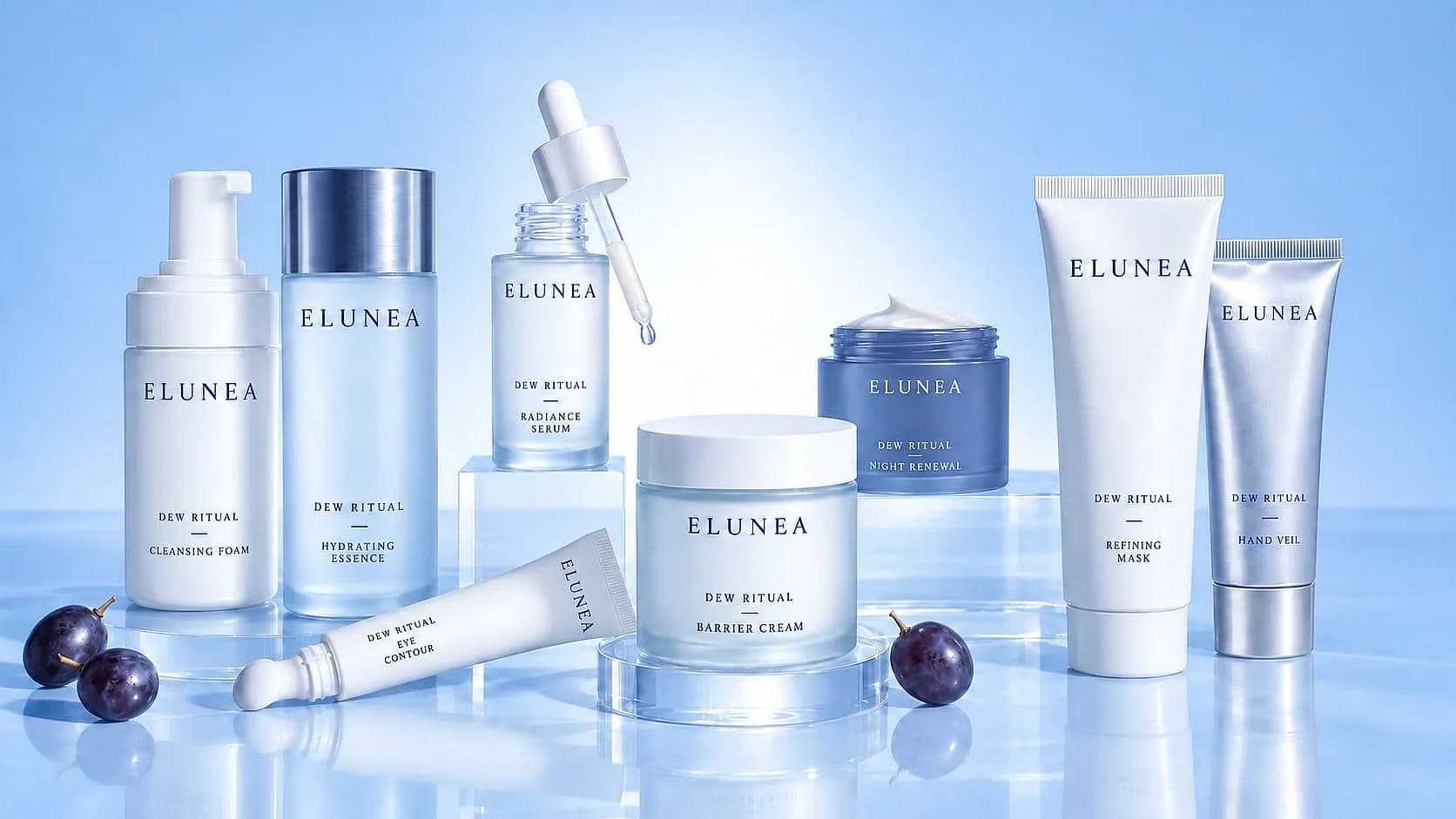
Place a referenced product in a studio arrangement or a lifestyle setting. Check packaging, materials, and proportions against the original.
Portrait variations
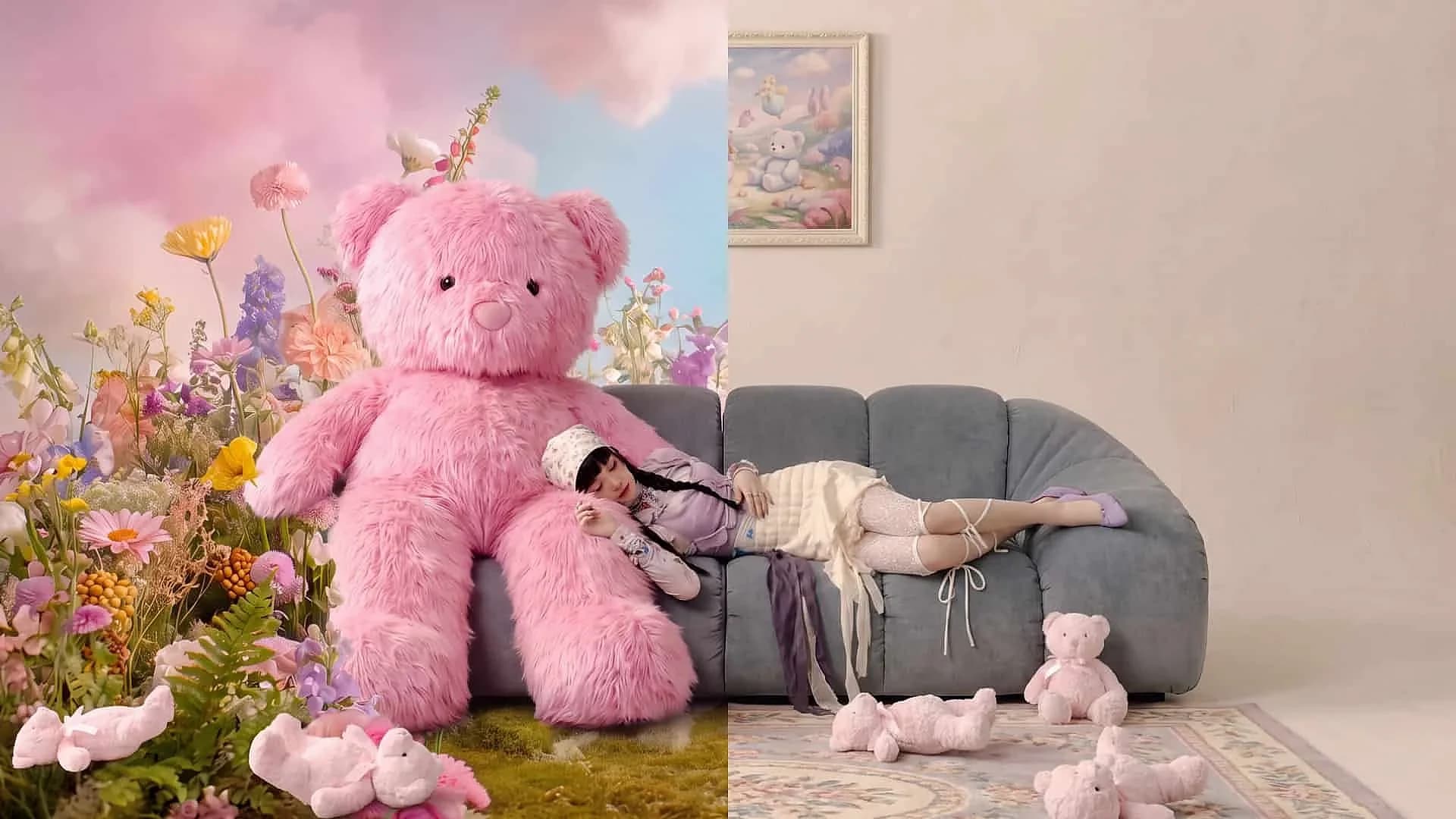
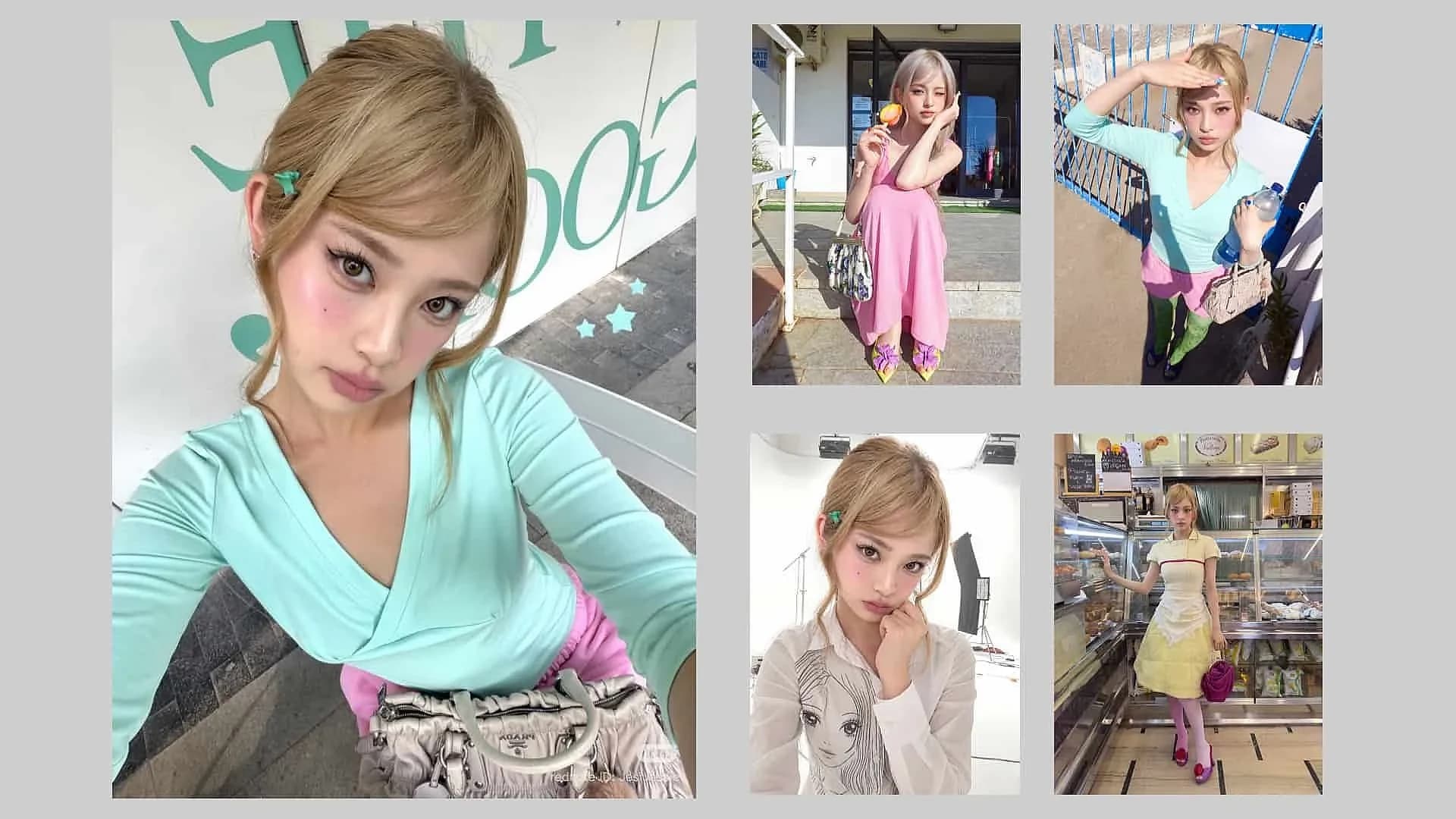
Explore an outfit, backdrop, or lighting direction while guiding the subject with a reference. Inspect facial features after each edit.
Posters and packaging concepts
Build around a short headline and a clear focal image. Treat generated labels as concepts until every word has been checked.
Infographics and diagrams
Turn an explanation into a visual draft. Nano Banana 2.1 can still make factual mistakes, so verify labels, relationships, and data before sharing.
Find your next creative direction
Nano Banana 2.1 Image Inspiration
Choose an example to add its prompt to the workspace. Bring your own references and shape the image around your idea.
4 images4 images2 images2 images4 images
For your next creative project
Who is Nano Banana 2.1 Built For?
A practical option for creators and teams exploring images before choosing what to publish.
Start with the task you need to finish. Nano Banana 2.1 is worth considering when you want to explore visual directions, revise a scene, or develop a reference-guided image concept.
01
Creators planning social content
Use Nano Banana 2.1 to explore portrait variations or a coordinated visual theme. Keep the message readable in the final crop, and check that your subject remains recognizable.
02
Product teams developing scenes
Work from a clear product reference when planning catalog or campaign imagery. Compare the result with the original rather than assuming a convincing picture preserves every feature.
03
Designers testing layouts
Explore a poster headline, packaging direction, or illustrated explanation. Nano Banana 2.1 can support the concept stage; final typography and factual details still deserve deliberate review before production.
A focused creative workflow
How To Use Nano Banana 2.1
Start with a brief, add useful references, and review the result before refining it.
A clear brief makes image creation easier to evaluate. Start from an idea or an existing image, choose your Nano Banana 2.1 settings, and review each revision before moving on.
01
Choose your image workflow.
Start from a text prompt for a new composition, or upload up to 14 references to guide an image edit with Nano Banana 2.1. The first reference image is included; each additional reference adds 1 credit.
02
Describe the result you need.
Name the subject, setting, composition, lighting, and intended format. Put required text in quotation marks. For a product concept, try: “A white skincare bottle on pale stone, soft side lighting, a centered composition, with ‘DAILY CARE’ on the label.”
03
Add references and choose available settings.
Use a clear reference when appearance matters. Describe which details to preserve. Pick your aspect ratio and resolution, and optionally enable Web Search or Image Search. Each search option adds 1 credit. Check the displayed total before continuing.
04
Generate, inspect, and refine.
Look closely at faces, lettering, product shapes, and edges. Describe a focused correction, such as changing the background while keeping the bottle and label. Save the version you approve through the workspace's available download controls.
Check the available plan and generation cost before choosing the output settings for your project.
Nano Banana 2.1 costs 1 credit at 1K, 2 credits at 2K, or 4 credits at 4K. Web Search and Image Search each add 1 credit. The first reference image is included; each additional reference adds 1 credit.
One-Time Purchase
Pay once and use credits anytime - they never expire
Credits never expire
Starter
$10one-time
100 credits one time purchase
AI Image Generator & Video Generator
Seedance 2.5 AI Video Generator
HD video quality (1080p)
Commercial use license
Download enabled
Email support
Premium
Most popular
$30one-time
330 credits one time purchase
HD video quality (1080p)
AI Image Generator & Video Generator
Seedance 2.5 AI Video Generator
Commercial use license
Priority download speed
Priority customer support
Advanced video effects
Ultimate
$99one-time
1211 credits one time purchase
AI Image Generator & Video Generator
Seedance 2.5 AI Video Generator
HD video quality (1080p)
Commercial use license
Fastest download speed
Priority email support
Advanced video effects
Early access to new features
API access (coming soon)
Monthly Subscription
Get fresh credits every month with automatic renewal. Subscription plans offer 20% more credits compared to one-time purchases.
Clear answers about references, output sizes, image edits, and choosing the right workflow.
Before you start, check what the model supports and what your chosen workspace offers. These Nano Banana 2.1 answers separate documented capabilities from settings or prices that depend on the provider.
Can I use Nano Banana 2.1 in this workspace?
Yes. This workspace uses Nano Banana 2.1 for text-to-image generation and reference-guided editing. Enter a prompt, choose your resolution and aspect ratio, and optionally enable Web Search or Image Search. Upload up to 14 references for an image edit. Base costs are 1 credit for 1K, 2 credits for 2K, and 4 credits for 4K. Each enabled search adds 1 credit. The first reference image is included; each additional reference adds 1 credit. Check the displayed total before generating. The reference images are not results generated by this workspace.
Does Nano Banana 2.1 support 4K images?
Nano Banana 2.1 supports 1K, 2K, and 4K image output according to Google's developer documentation. The sizes available to you depend on the workspace and plan you choose. Start with a resolution suited to your draft, then inspect the result at the size you intend to publish. Check fine lettering, facial features, and product details rather than assuming more pixels fix every issue. Nano Banana 2.1 can still produce incorrect details at a higher resolution. Review your final crop and layout before using the image in a campaign or presentation.
Can Nano Banana 2.1 edit an existing photo?
Nano Banana 2.1 supports image editing with image inputs and written instructions. Describe the change you want, then name the details that should remain consistent. A useful request might ask for a new background while keeping the subject's clothing and position. Inspect the revised image before adding another instruction. Nano Banana 2.1 may only partly follow an edit or alter details you wanted to preserve. Keep the original nearby so you can compare results. Access to a particular masking interface depends on your workspace; model support alone does not guarantee that control is available.
How many reference images can Nano Banana 2.1 use?
Google's developer documentation lists support for up to 14 reference images in Nano Banana 2.1. Your workspace may accept fewer images or impose its own file and plan limits. Choose references that clearly show the face, object, or style you want to guide. Explain which reference should control each part of the result. Conflicting visual directions make it harder to judge whether the output fits your brief. Nano Banana 2.1 does not guarantee perfect subject consistency, so compare important features with the references after generating. Confirm the actual upload limit before preparing a larger request.
Can Nano Banana 2.1 create readable text?
Nano Banana 2.1 improves text rendering and infographic layout accuracy, but generated text still needs checking. Supply the exact words and describe where they should appear. Keep your first test focused on a short headline or label rather than a full page of text. Google's model card identifies small text and long passages as remaining weaknesses. Inspect spelling, alignment, and legibility at the final viewing size. For an infographic, also verify the facts and relationships being shown. If exact wording is essential, revise the image or finish the lettering separately before publication.
Is Nano Banana 2.1 free to use?
If your free account has available vouchers, you can use one voucher for a 1K Text to Image generation with Web Search and Image Search turned off and no reference images. Vouchers do not cover image editing, higher resolutions, or either search option. Those settings use credits when your balance is sufficient; otherwise, add credits or upgrade your plan. Check the Free label or displayed credit cost before generating. Voucher access depends on your account and remaining voucher balance; generation is not unlimited.
How should I compare Nano Banana 2.1 vs Pro?
Evaluate Nano Banana 2.1 vs Pro with the same brief and references, then compare the details your project requires. Google's model card includes both models in its published evaluations. Those results do not guarantee that one model will produce your preferred image for every task. Test a realistic scene, a text layout, and an edit that should preserve the subject. Compare the outputs at the same viewing size and note the cost of revisions. Check the current model versions before making a decision. This page does not claim a universal winner or present an independent hands-on benchmark.
Start creating
Explore Your Next Image with Nano Banana 2.1
Turn your idea into a product scene, portrait, or visual concept. Start with a prompt, add references when details matter, and refine the result until it fits your brief.