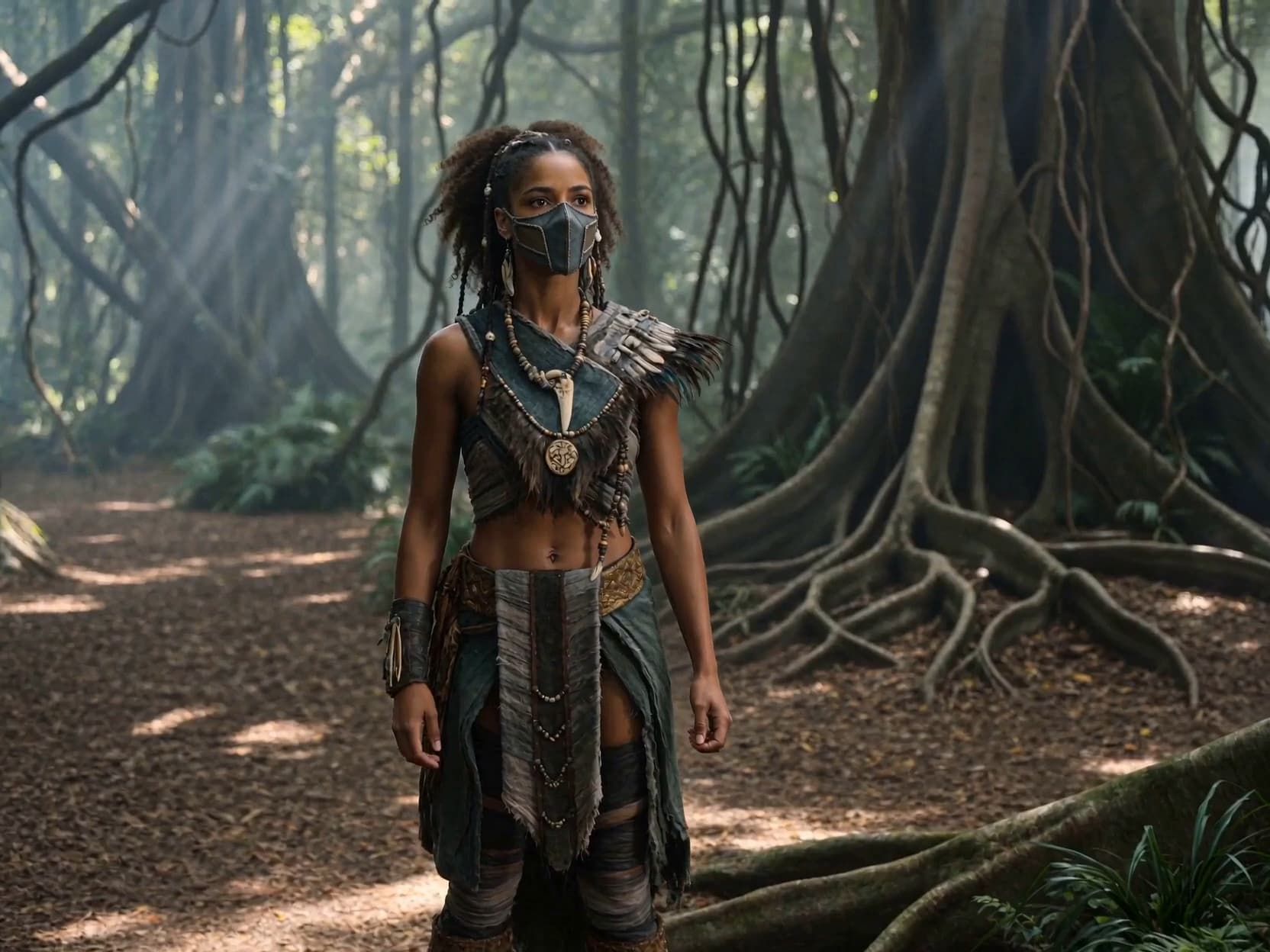
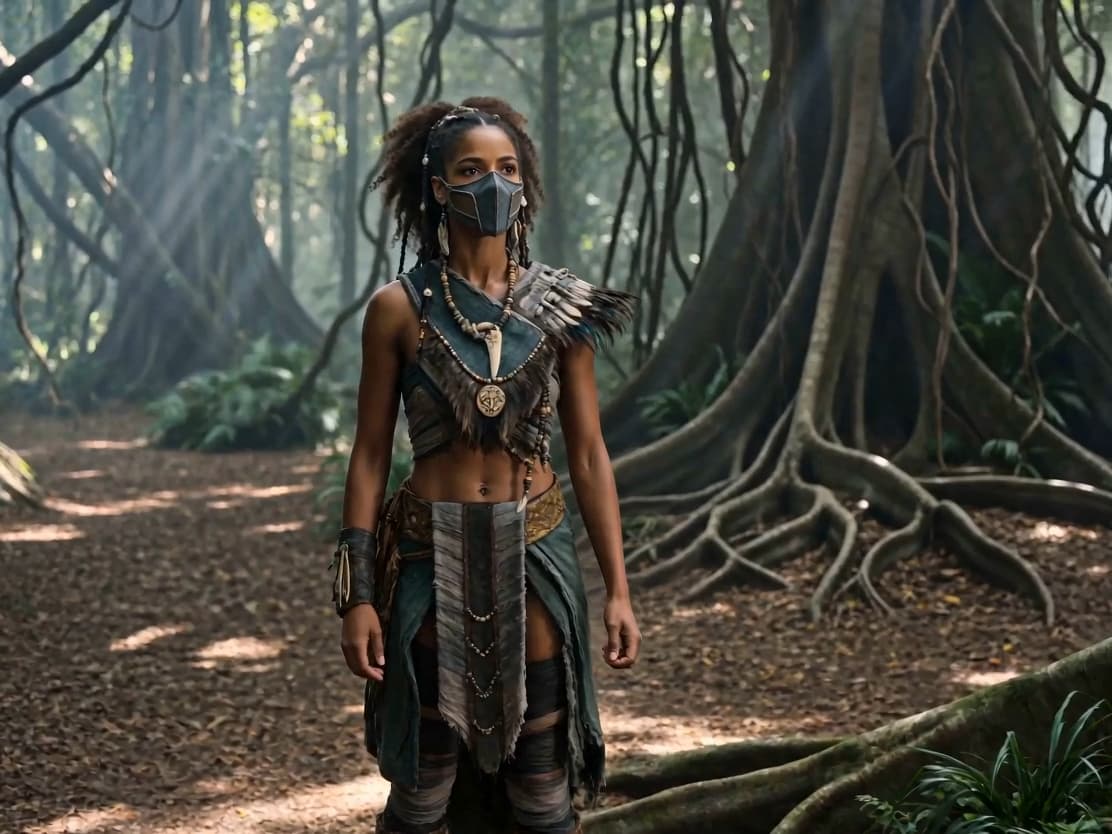
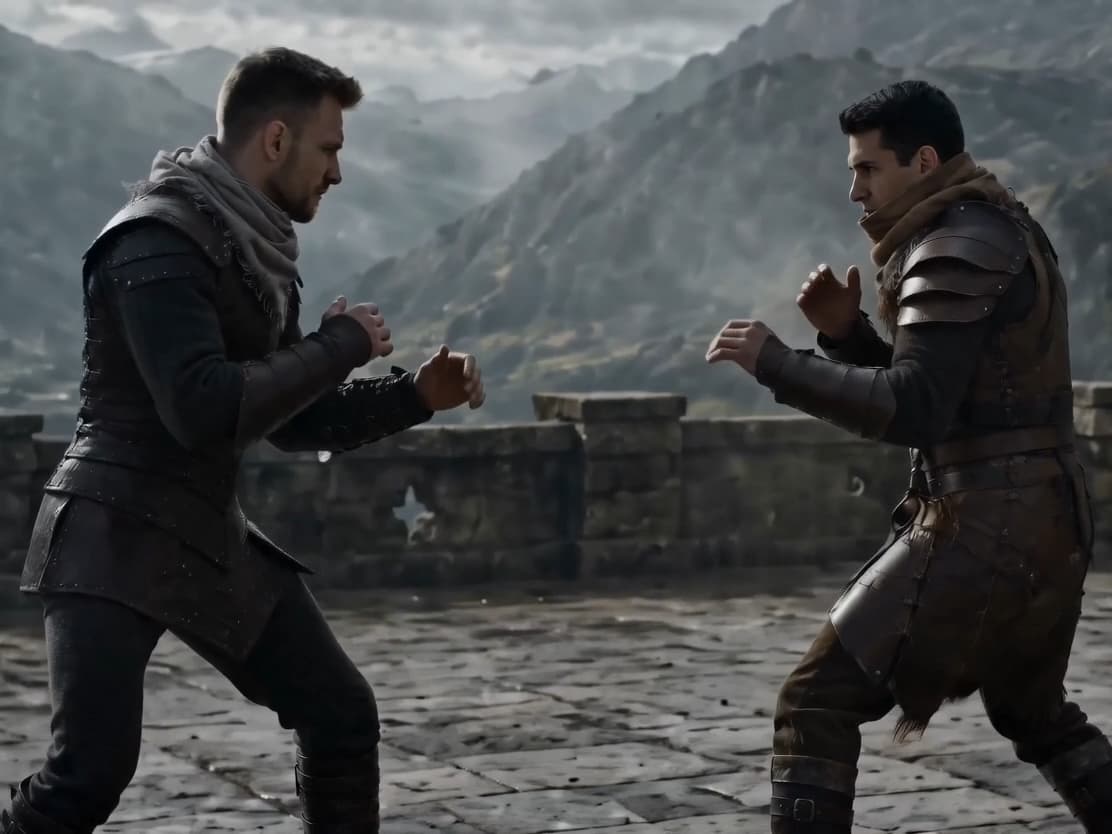
Coming soon

Seedance 2.5 AI Video Generator for 30s 4K Videos

Seedance 2.5 is built for creators who need longer AI video results, more reference control, and a cleaner path from prompt to usable clip.

Preview Seedance 2.5 features

Generation access is not enabled yet because Seedance 2.5 has not launched.

Overview

What is Seedance 2.5?

Read the Seedance 2.5 overview

Seedance 2.5 is the next Seedance video model and a step beyond Seedance 2.0. While Seedance 2.0 is already presented as a strong AI video generator, the Seedance 2.5 update focuses on three practical areas: single-segment video length, multi-material references, and editable results.

In plain terms, Seedance 2.5 is for people who want less stitching after generation. A 30-second video generation target means you can plan a complete scene, a product reveal, a short social ad, or a character action without breaking every idea into tiny clips. The multi-material reference input is meant to help the model understand more of your visual brief at once. Video editing support then gives you a path to adjust the output instead of starting over after every small issue.

The important point is not only that Seedance 2.5 can make a video. It is that Seedance 2.5 is being framed around control, continuity, and revision. For creators, marketers, and production teams, those are the parts that decide whether an AI video is only a test or something close enough to use.

Key features

Key Seedance 2.5 features for AI video generation

Seedance 2.5 matters most when your video idea needs more time, more references, or more room for revision than a quick clip can provide.

01Longer scenes

30-second single-segment generation

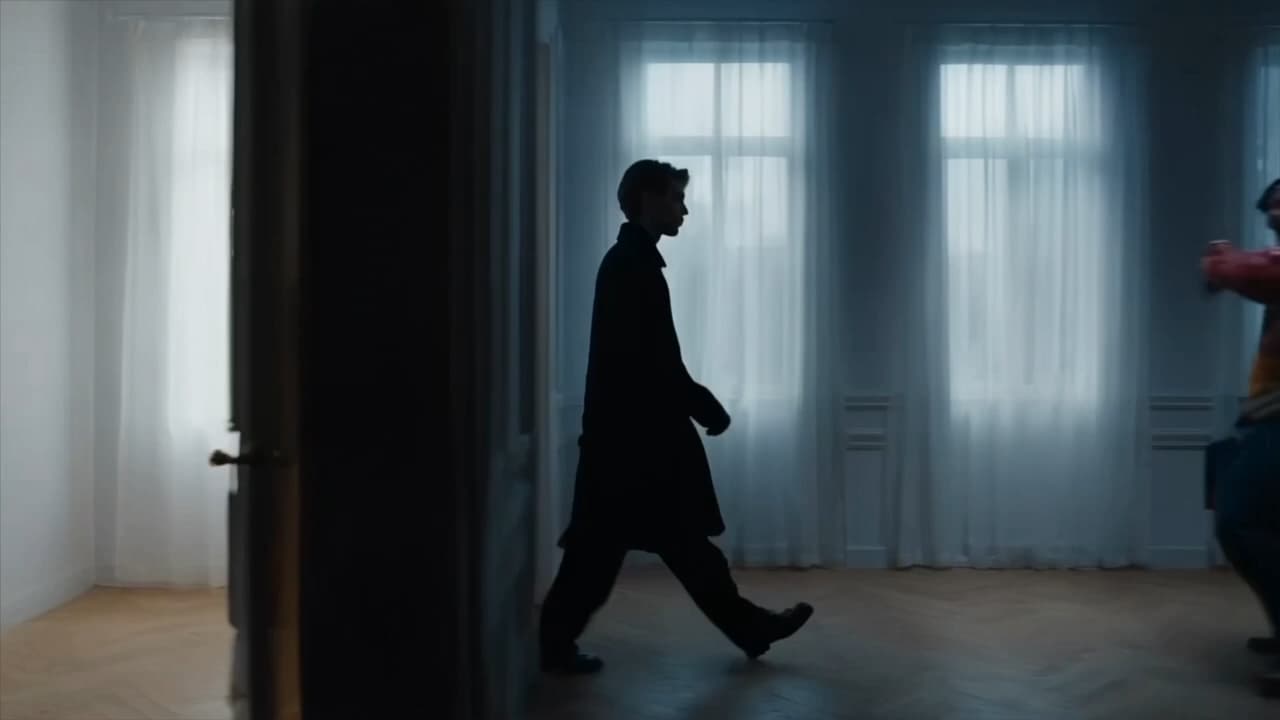
Seedance 2.5 supports 30-second single-segment native video output. That gives you more room for a beginning, a turn, and an ending inside one generated result. For storyboards, product demos, and social videos, Seedance 2.5 30 second video support can reduce the need to generate several separate clips and join them later.
02Longer ideas

High-quality video extension

Seedance 2.5 also supports high-quality video extension. That matters when your first result has the right style, subject, and motion, but the idea needs more time. Instead of treating every extension as a new project, Seedance 2.5 helps keep the idea moving forward.

High-quality video extension
03Richer control

50 reference materials

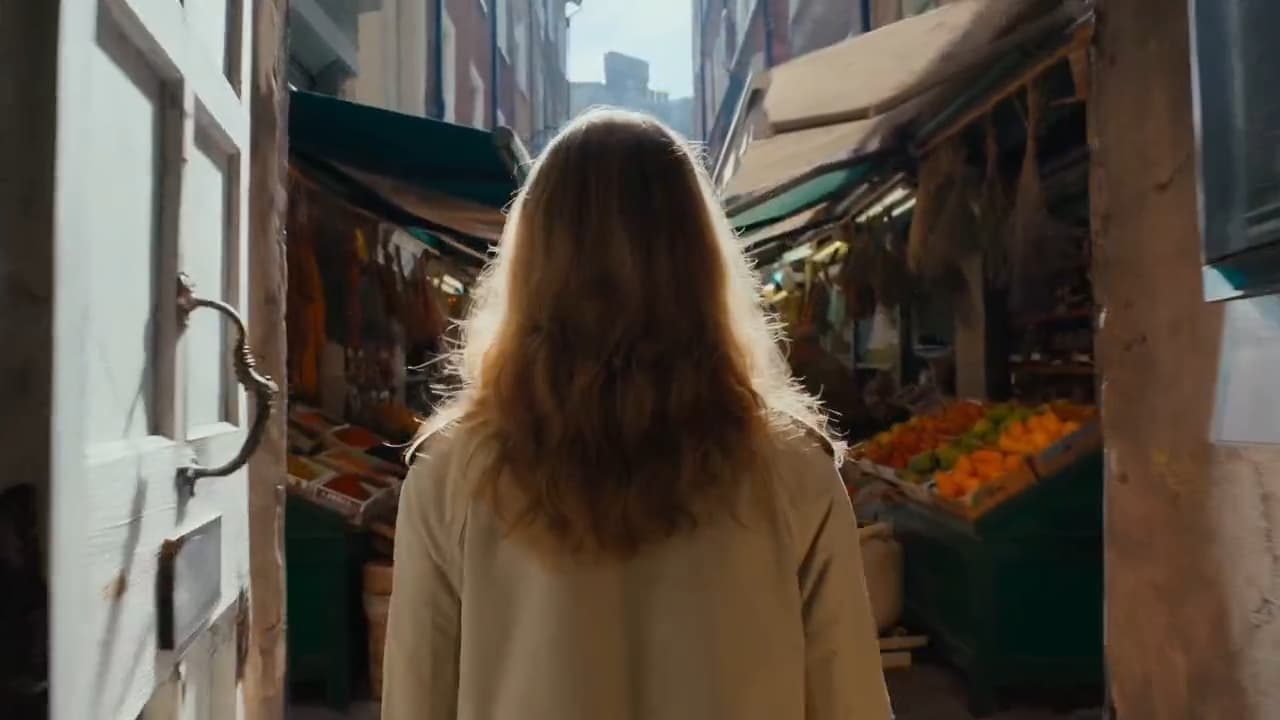
Seedance 2.5 is described as supporting 50 reference materials across modalities. This is useful when one image is not enough to explain a scene. You may need a character sheet, a product photo, a brand palette, a background sample, and motion references. Multi-material reference input helps Seedance 2.5 read more of that brief together.

04Model family context

Native 4K and 10-bit context from Seedance 2.0

Seedance 2.0 introduced native 4K video generation and 10-bit native output in the same model family. Seedance 2.5 builds on that direction with longer generation, richer references, and more controllable editing.

Native 4K and 10-bit context from Seedance 2.0
05Editable output

More controllable video editing

Seedance 2.5 adds more flexible second-pass editing. That means Seedance 2.5 video editing is not only about generating a first draft. It is also about adjusting local details while keeping the wider frame consistent, so a usable output does not have to be discarded because of one small issue.

How it works

How to use Seedance 2.5 in four steps

You can plan a Seedance 2.5 workflow in four steps: write the prompt, add references, generate the clip, then edit what needs attention.

01
Step 1

Write the scene prompt

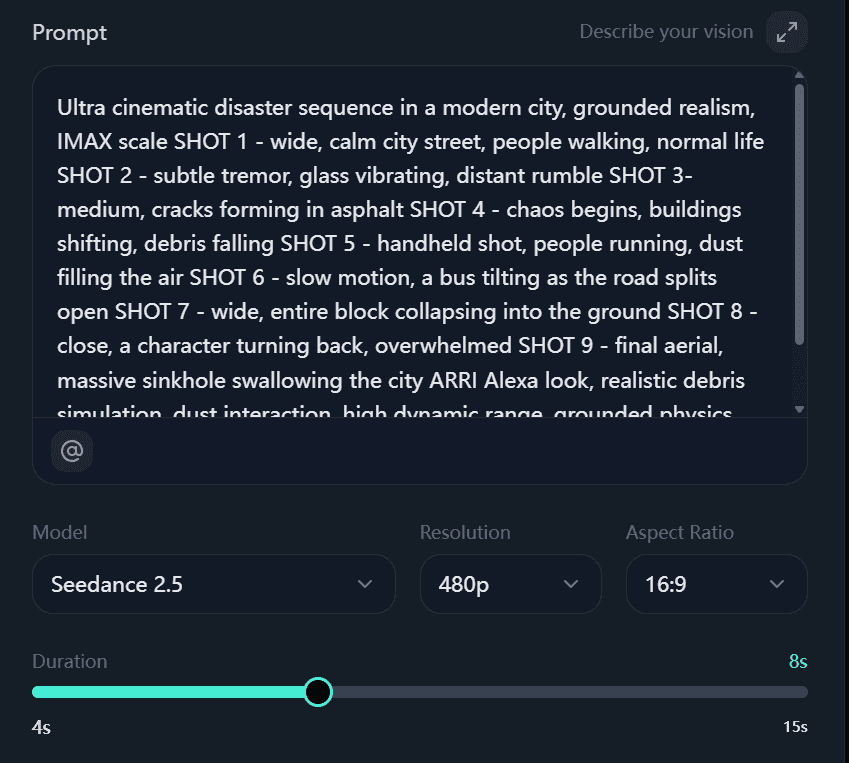
Start with the scene you want Seedance 2.5 to create. Include the subject, setting, camera movement, mood, and the action that should happen across the clip. A longer 30-second result needs a clearer sequence than a five-second test.

02
Step 2

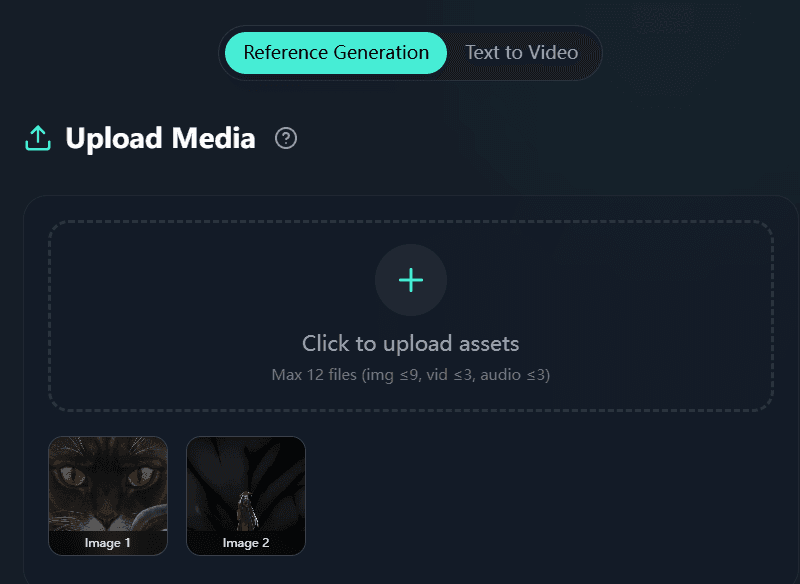
Add your reference materials

Upload the images, video samples, character references, or brand assets that define the result. With support for 50 reference materials, the strongest Seedance 2.5 workflow uses references to remove guesswork.

03
Step 3

Generate and review the video

Run the AI video tool and review the output for the parts that matter: subject consistency, movement, framing, color, and whether the video tells the full idea. Seedance 2.5 is being positioned around longer single clips, so review the full scene rather than only the first frame.

04
Step 4

Edit the parts that need changes

Use the editing workflow for local adjustments when the core result is close. The goal is to keep the good parts of the generation and fix the weak parts. That is the practical difference between a one-shot AI video test and a production workflow you can repeat.

Use cases

Seedance 2.5 use cases for creators and teams

Seedance 2.5 fits teams that need a longer AI video draft before they spend time on manual editing, reshoots, or heavy post-production.

For creators making short-form stories
Use case 01

For creators making short-form stories

Read use case details

Seedance 2.5 for creators is useful when a single scene needs time to develop. A 30-second video can carry a full beat: setup, motion, reveal, and ending. That makes Seedance 2.5 a better fit for story-driven clips than tools built only around tiny loops.

For marketers testing product videos
Use case 02

For marketers testing product videos

Read use case details

Seedance 2.5 for marketers can help turn one product idea into a draft ad, demo, or launch teaser. The 50 reference materials support matters here because a product video often needs the item, logo, color palette, target setting, and several style examples to stay on brief.

For agencies preparing client concepts
Use case 03

For agencies preparing client concepts

Read use case details

Agencies can use Seedance 2.5 to show a client a moving concept before committing to a shoot. The value is not replacing every production step. It is giving the client a clearer draft, with enough length to judge pacing and enough edit control to respond to feedback.

For educators and explainers
Use case 04

For educators and explainers

Read use case details

A longer AI-generated clip can help explain a process, demonstrate a scene, or introduce a topic. Seedance 2.5 can be presented as a way to move from static examples to short visual lessons, as long as the final output is reviewed for accuracy.

Compare

Seedance 2.5 vs Seedance 2.0 and other AI video tools

The clearest comparison is between Seedance 2.5, Seedance 2.0, and general AI video tools that focus on shorter clip generation.

Comparison point
Seedance 2.5
Seedance 2.0
General AI video tools
Single-segment length
30-second single-segment output
Public notes focus on native 4K and 10-bit output
Often centered on shorter prompt-to-video clips
Reference input
Described as supporting 50 reference materials
Less reference-input emphasis
Usually supports fewer references or simpler prompt inputs
Editing
Described as more controllable for local adjustments
Generation quality is the primary focus
Editing may require regenerating or moving to another editor
Best fit
Longer, more directed video drafts
High-quality Seedance family output
Quick concept tests and short clips

Seedance 2.5 vs Seedance 2.0 is best understood as an upgrade path, not a replacement for every older workflow. Seedance 2.0 remains important for native 4K video generation and 10-bit video output, while Seedance 2.5 adds a clearer story around length, reference control, and editable results.

Why choose

Why choose Seedance 2.5 for AI video projects?

Choose Seedance 2.5 when the hardest part of your video task is keeping a longer result consistent, directed, and easy to revise.

It gives the scene more room

Seedance 2.5 is described around 30-second generation, which gives one idea enough time to breathe. You can plan a more complete clip instead of building a timeline from many short fragments.

It accepts a richer brief

The 50 reference materials support gives Seedance 2.5 a stronger way to understand the look you want. This is useful when a prompt alone cannot describe the product, character, location, and style.

It supports iteration

The video editing direction matters because good AI video work rarely finishes on the first pass. Seedance 2.5 is positioned for a workflow where you generate, inspect, edit, and deliver a cleaner result.

Launch signals

Seedance 2.5 reviews and launch signals

Seedance 2.5 has been introduced with improvements in single-segment length, multi-material reference input, and video editing. These launch signals help creators decide whether the upcoming model fits longer, more controlled video workflows.

FAQ

Frequently asked questions about Seedance 2.5

What is Seedance 2.5?

Seedance 2.5 is an AI video model focused on longer single clips, richer reference input, and more controllable editing. It is presented as an upgrade in the Seedance video model family.

When will Seedance 2.5 be available?

Seedance 2.5 is expected to become available around early July. Check the release page for exact access, pricing, and region support once the model is live.

How to use Seedance 2.5?

To use Seedance 2.5, write a clear prompt, add reference materials, generate the video, then edit the details that need changes. The most important step is preparing enough visual reference for the model to understand the scene.

What makes Seedance 2.5 different from Seedance 2.0?

Seedance 2.5 vs Seedance 2.0 is mainly about longer generation, more reference input, and stronger editing control. Seedance 2.0 remains important for native 4K and 10-bit output in the Seedance model family.

Does Seedance 2.5 support video editing?

The announced direction includes more controllable video editing, especially local adjustments after generation while preserving the larger scene.

Does Seedance 2.5 support 50 reference materials?

Seedance 2.5 supports 50 reference materials across modalities, helping complex briefs combine characters, products, styles, backgrounds, and motion references in one request.

Is Seedance 2.5 good for marketers?

Seedance 2.5 for marketers is a strong use case when a campaign needs product references, brand style, and longer video drafts. Marketers should still review generated outputs before publishing.

Can I try Seedance 2.5 online?

Seedance 2.5 is still in coming soon status, so generation is not open on this page yet. You can preview the features now and return when access is available.

Coming soon

Get started with Seedance 2.5

Use Seedance 2.5 when you need an AI video draft with more time, more references, and a better path to revision.

Try Seedance 2.5 online when access is available, or join the release waitlist if the product page is still in pre-launch mode. Keep your first project focused: one scene, one outcome, and the exact references that define the result.

Compare Seedance 2.5 features