Starter
$10one-time
- 100 credits one time purchase
- AI Image Generator & Video Generator
- Seedance 2.5 AI Video Generator
- HD video quality (1080p)
- Commercial use license
- Download enabled
- Email support
Upload a still image, describe the motion, and generate short 480p, 720p, or 1080p videos with audio. Turn photos, product frames, and concept art into moving clips.
AI Video Generation Demo — text, image, or reference to video with native audio support.
New image model
Move from a natural-language prompt to product visuals, campaign concepts, social graphics, and editorial images, then refine the strongest direction around your project.
Explore Grok Image 2.0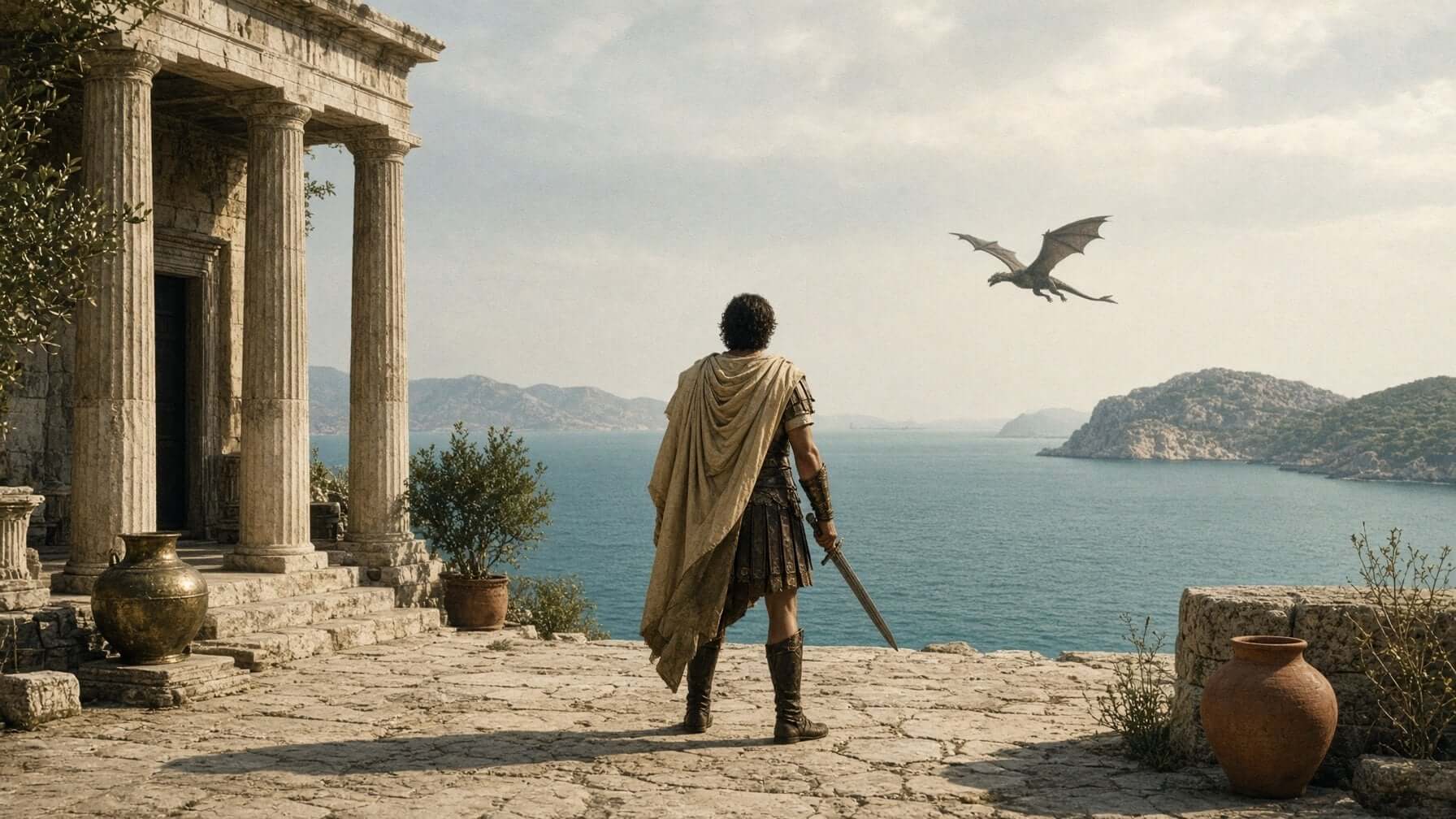
IMAGE-TO-VIDEO // V1.5
Grok Imagine Video 1.5 Preview is an image-to-video generation model for turning still images into short AI videos. Instead of starting from a blank text prompt, you begin with a visual reference — a photo, product shot, concept frame, or brand asset — and the prompt tells the model how that image should move.
This makes 1.5 especially useful for creators who already have a look they like and want to explore motion quickly. Use 480p for fast drafts and ideation, 720p for cleaner social and pitch-deck previews, or 1080p when you need higher-detail output.
Your source image anchors subject, composition, and style.
Describe camera moves, gestures, lighting, and atmosphere.
Generate videos with sound for mood and preview workflows.
Explore
Browse real sample clips for the 1.5 workflow. Use them to compare framing, subject motion, scene rhythm, and prompt direction before generating your own video.


Core Features
Grok Imagine Video 1.5 is designed for short, controlled image-to-video generation with prompt-guided motion and flexible output settings.
Upload a still image and use a prompt to guide how it moves. Useful when you already have a strong visual starting point — portrait, product shot, illustration, or cinematic still.
Choose lightweight 480p drafts, sharper 720p previews, or 1080p for higher-detail clips. Keep the workflow practical for testing ideas, comparing prompt directions, and creating short clips for social and client previews.
Generate videos with sound in the same workflow instead of manually pairing every clip with separate audio. Use it for atmosphere, mood, and sound-supported previews.
Control duration from 1 to 15 seconds, resolution, and prompt direction so the clip fits the job — product reveals, portrait animation, vertical social drafts, or wide cinematic frames.
Use 1.5 as a fast creative loop. Generate a first pass, review the motion, change the prompt, then try another version with clearer camera movement or stronger atmosphere.
Starting from an image gives you more visual control than a blank prompt. Preserve subject, composition, color palette, and style, then add motion instructions on top.
Product Line
See where Grok Imagine Video 1.5 fits in the product line — more focused than the early 1.0 workflow, faster for image animation, and lighter than the higher-end 2.0 generation page.
| Capability | Grok Imagine 1.0 | Grok Imagine Video 1.5 | Grok Imagine 2.0 |
|---|---|---|---|
| Input | Text / Image | Still image + prompt | Text / Image / References |
| Output | Short video | Short video | Advanced video |
| Resolution | 720p | 480p / 720p / 1080p | 4K-focused workflow |
| Audio | Synced audio | Videos with audio | Advanced audio workflow |
| Workflow | Early creative generation | Fast image-to-video preview | Higher-end cinematic creation |
| Best For | Early Grok video creation | Animating photos, product frames, concept art, social clips | Longer-form concepts and polished video output |
WORKFLOW
Upload a still image, choose your duration and resolution, then generate and refine your clip with prompt-guided motion.
Upload a reference image as the first frame and write a prompt to describe motion, camera, lighting, and mood. Choose a clear frame with the subject and composition you want to preserve.
Select duration from 1 to 15 seconds and resolution (480p, 720p, or 1080p) that fit your use case — from quick drafts to sharper preview and higher-detail clips for social and client review.
Create your video, preview the result, then adjust the prompt for better motion or atmosphere. Download the finished MP4 and use it in reels, storyboards, landing pages, or ad concepts.
Use Cases
Sample clips from image animation, prompt-guided motion, quick 480p to 1080p drafts, and short creative tests built from a single starting frame.
Turn product renders, campaign stills, and ecommerce images into short motion assets for paid social, landing pages, and pitch decks.
Animate portraits, character concepts, travel shots, and lifestyle images into scroll-ready video moments for social platforms.
Add camera drift to product renders, test ad concepts quickly, and create mood films without building a full video pipeline.
Use Grok Imagine 1.5 to test scene movement before a full shoot, edit, or animation pass. Fast iteration for creative teams.
Simple Pricing
All plans include HD video exports with our Seedance Pro AI video generation tool.
Pay once and use credits anytime - they never expire
Get fresh credits every month with automatic renewal. Subscription plans offer 20% more credits compared to one-time purchases.
Support Center
Start Creating
Upload an image, describe the motion you want, and generate a short AI video with prompt-guided movement, sound-supported output, and flexible 480p, 720p, or 1080p settings.