Turn one image into a dance video
Upload a clear photo or character image and use it as the subject. No new footage or frame-by-frame animation is required.
Turn a photo, pet, drawing, or character into a dance video. Upload one image, choose a dance template or motion reference, and create a shareable clip online.
Dance setup
Two inputs. One new performance.
Keep template audio
5s video · minimum 5s billing
The short answer
An AI Dance Generator is an online tool that turns a still photo into a moving dance video by applying choreography from a template or reference video.
The image provides the person, pet, or character. The selected dance provides the body movement. The AI combines both inputs and produces a new video in which the subject appears to perform the chosen routine.
Results depend on the source image and motion. Clear body visibility and a simple background give the AI more useful information to work with.
Built for movement
Create a quick dance or guide the motion with your own reference. The workflow stays focused on one goal: making your image move.
Upload a clear photo or character image and use it as the subject. No new footage or frame-by-frame animation is required.
Upload a short dance clip when you want a particular routine, tempo, or recognizable movement instead of a fixed effect.
Create playful motion from portraits, cartoons, anime art, avatars, mascots, or pet pictures you have permission to use.
Skip rigging tools, motion-capture equipment, and complex timelines. Choose your inputs and let the generator build the first clip.
Benefits and value
Go from a still image to a dance clip through one focused workflow built for experimentation, creative range, and shareable results.
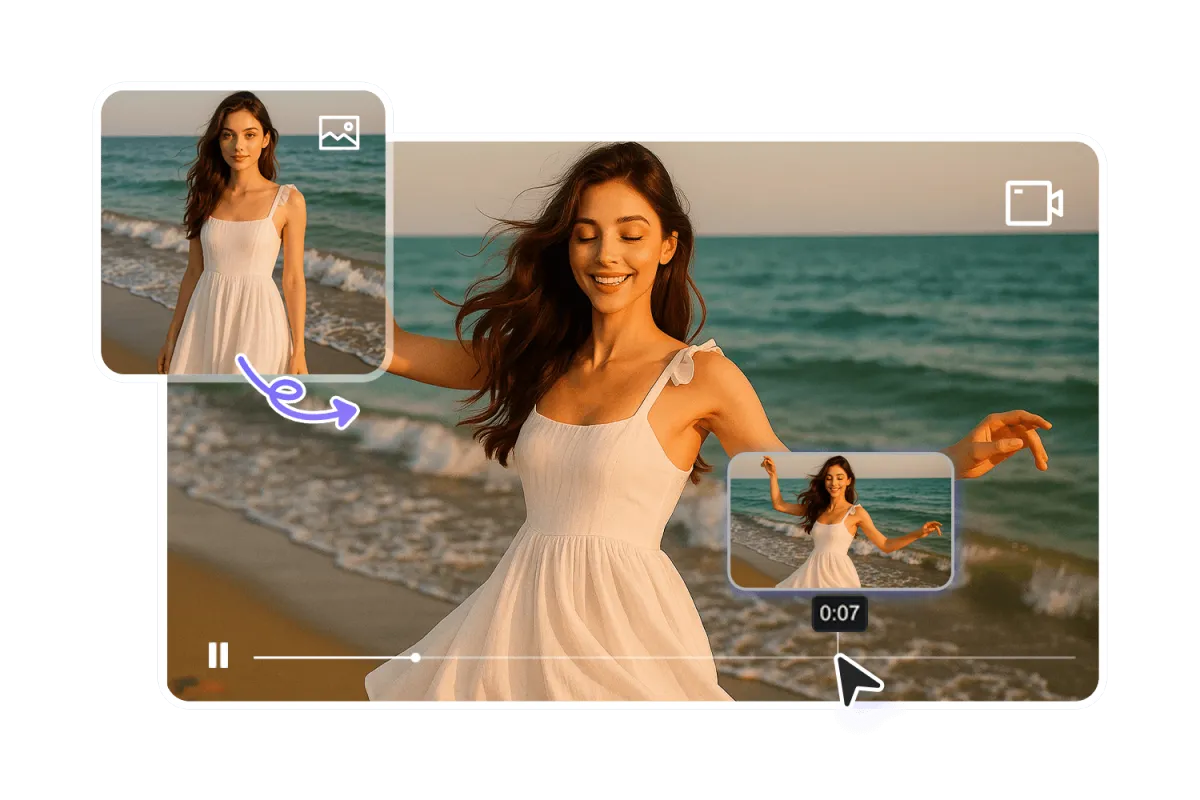
Photo to dance
Start with one clear photo and a dance reference. JXP turns both inputs into a new performance without filming footage, building a character rig, or editing motion frame by frame.
Creative range
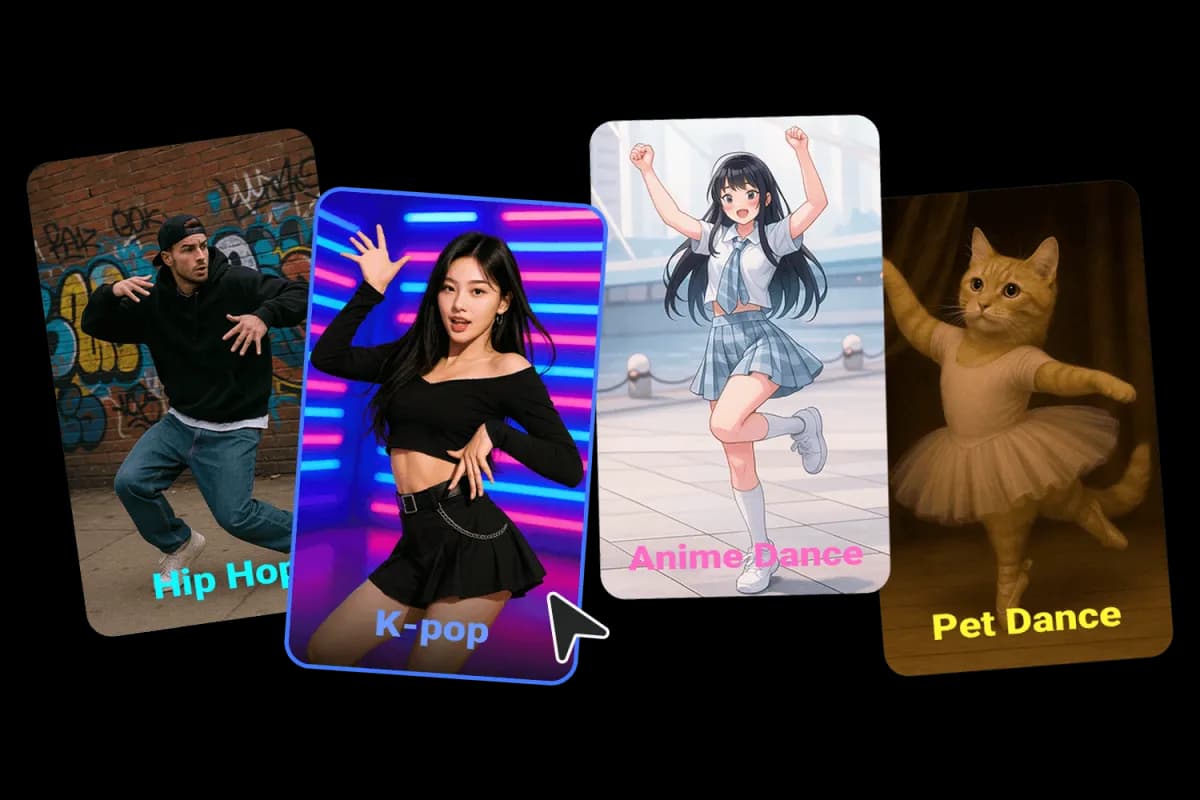
Choose a ready-made template or upload your own reference for hip-hop, pop, freestyle, character dances, playful pet moves, and other routines that fit your idea.
Motion quality
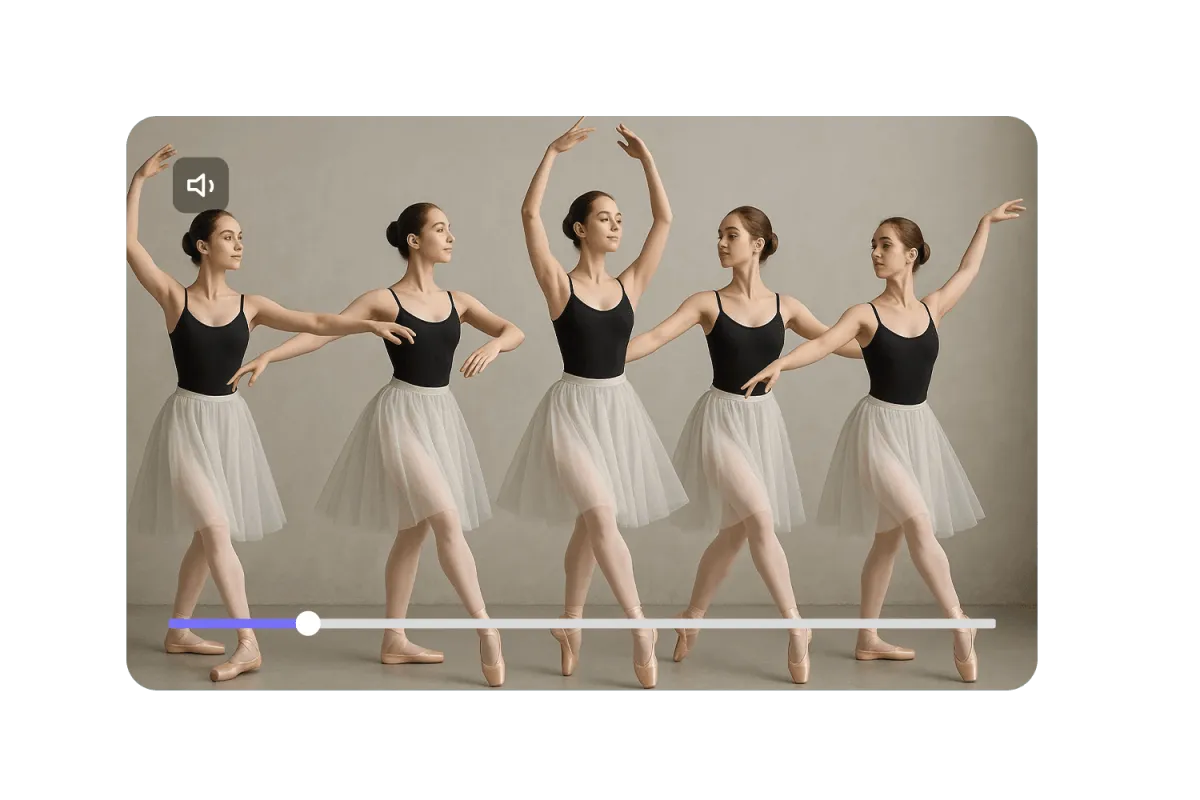
Use a short, clearly filmed reference to guide timing, rhythm, and transitions. The result follows the movement while keeping your chosen subject at the center of the performance.
Ready to share
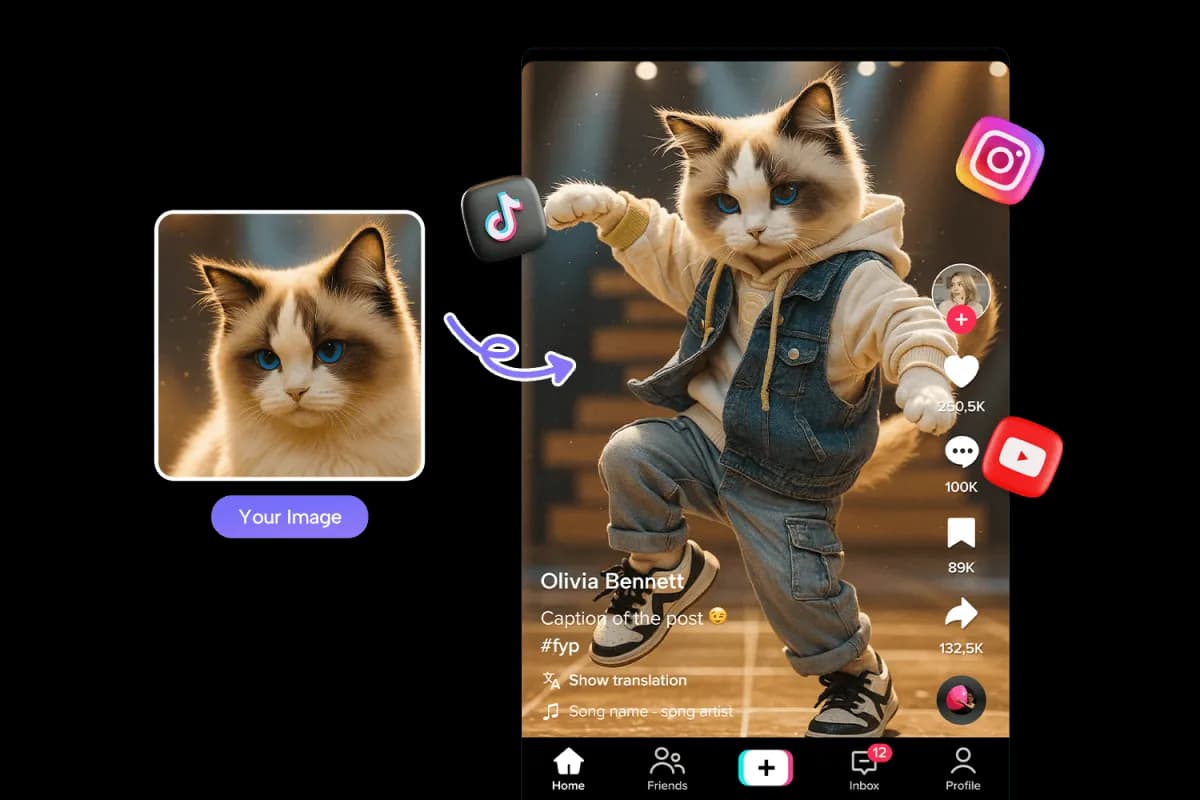
Turn portraits, characters, mascots, or pets into quick visual hooks for social posts, music teasers, reactions, and dance trends—then review and share your finished clip.
Three clean steps
Use a sharp picture with one clear subject. Keep the arms and legs visible when the dance includes full-body movement.
Choose a sample for a quick result or upload a short reference video with a stable camera and readable motion.
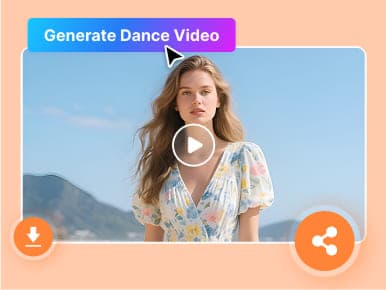
Check the face, hands, feet, and timing. If the first take feels unstable, try a clearer image or simpler movement.
Made to be shared
Build a quick visual hook for TikTok, Reels, and Shorts with a familiar photo, mascot, or original character.
Test how an original design moves without drawing every frame or preparing a character rig.
Make a pet photo dance for a birthday message, group chat, or lighthearted post.
Create a looping dance clip for a song preview, beat release, or playlist visual.
Give a brand-owned mascot a repeatable dance for a campaign, event, or product post.
Turn an expressive image into a short reaction clip that reaches the visual joke quickly.
Questions, answered
Learn which images work well, how to choose a motion reference, and what to check before sharing your generated dance video.
You can use many kinds of photos and character images, but results depend on image quality, body visibility, and the selected movement. Use content you own or have permission to animate.
Use a sharp, well-lit image with one clear subject. A full-body image is the safest choice for dances with visible footwork, while a simple background helps separate the subject from the scene.
Yes. Choose a short clip with one continuous shot, a stable camera, and clearly visible movement so the AI Dance Generator can read the choreography.
You can add music after downloading the clip. Only use audio you own or are licensed to publish.
Start with a short clip that shows one complete movement or recognizable sequence. Short tests are easier to review and rerun before making a longer version.
No. The basic workflow is upload, choose, generate, and download. Editing software is optional if you later want captions, cuts, music, or platform-specific formatting.
Upload a photo or character, choose the movement, and create a dance video you can preview, download, and share.
Try the AI Dance Generator