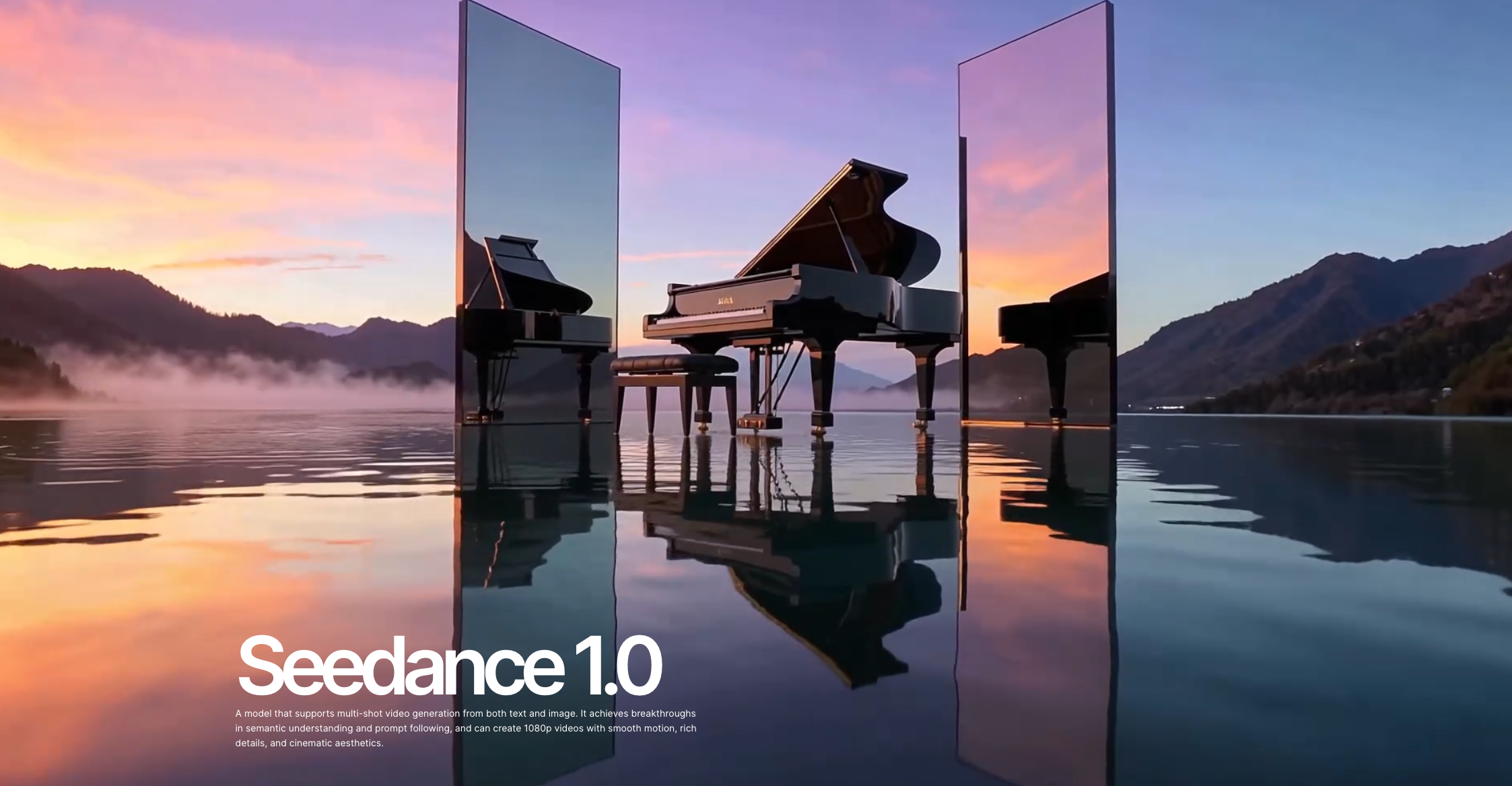
Summary:
Seedance 1.0 by ByteDance isn’t just another AI video model—it’s a storytelling engine. With built-in multi-shot planning, cinematic camera packs, and style presets, Seedance delivers pro-level video generation from a single image or script. Explore how SeedancePro makes this cinematic AI accessible to everyone.
What is Seedance 1.0?
ByteDance—the powerhouse behind TikTok and CapCut—has taken AI video generation to new heights with Seedance 1.0, a model designed for serious storytellers. Unlike earlier models that simply animate clips, Seedance 1.0 understands scenes, splits narratives into multiple shots, and adds cinematic flair with camera motion and lighting cues.
Through Seedance Pro, you can access this technology without setup or hardware headaches. It’s a complete browser-based solution for creating narrative-driven videos using just prompts or a single reference image.
Whether you’re prototyping short films or animating product showcases, these capabilities make Seedance 1.0 uniquely powerful.
How to Create with SeedancePro
Creating a cinematic AI video on Seedance Pro is easier than you think:
Choose “Cinematic Flow” from the interface.
Upload a reference image or paste a descriptive script.
Pick your camera movement: options include Studio Smooth, Drone Aerial, or Handheld Grit.
Apply a style preset: Noir, Anime, Watercolor, or Pastel are just a few.
Render your clip, review, then iterate for perfection.
This intuitive workflow empowers creators without requiring video editing skills or high-end GPUs.
Prompt Writing Tips for Better Results
Crafting your prompts effectively is the key to unlocking Seedance’s full potential. Here are a few expert tips:
Use shot labels: Start each segment with “Shot 1:,” “Shot 2:,” etc., to structure narrative flow.
Describe motion clearly: Use cinematic verbs like “glides,” “orbits,” “zooms in,” or “tilts down.”
Mention lighting styles: Terms like “neon-lit alley,” “golden-hour glow,” or “soft moonlight” help set mood.
Be consistent with subject references: Especially important when using multi-shot storytelling.
Where Seedance Shines
🛍️ Product Videos & E-commerce
Generate stunning 360° product reels or use cinematic zooms to highlight features. What would take a studio team days, now takes minutes on Seedance Pro.
🎬 Indie Filmmaking & Storyboarding
Visualize trailers, pitch decks, and scene blocking without a camera crew. Indie creators can produce high-quality previsualizations and short narratives easily.
🎭 TikTok & Social Campaigns
Create visual stories that blend seamlessly into ByteDance’s ecosystem. The Lite model is perfect for TikTok loops, UGC, or influencer collabs.
Limitations to Keep in Mind
While Seedance 1.0 is impressive, it’s not without boundaries:
Lite Model Cap: Maxes out at 10-second clips in 720p resolution.
No Audio Yet: Sound design and voiceovers must be added manually in post.
Style Constraints: While highly adaptable, overly abstract prompts may reduce scene coherence.
But there’s good news: ByteDance has teased a “Seedance 2.0” version in the works—with potential support for full 60-second videos, synchronized audio, and 4K exports.
Why Creators Are Switching to SeedancePro
Here’s what makes SeedancePro the best place to experience Seedance 1.0:
✅ No installation or setup—just open in browser
✅ High concurrency and fast rendering speeds
✅ Instant access to both Lite and Pro models
✅ Optimized UI/UX for prompt building and iteration
From film directors prototyping scenes to brands producing engaging reels, Seedance Pro delivers scalable cinematic storytelling with the speed of AI.
Final Thoughts
Seedance 1.0 is not just a video generator—it’s a director’s toolkit.
Whether you’re visualizing a short film, animating a product launch, or pushing creative boundaries on social media, Seedance offers unmatched precision and cinematic control.
Head to Seedance Pro today and explore how AI can help you tell more compelling visual stories—with just a prompt and a vision.