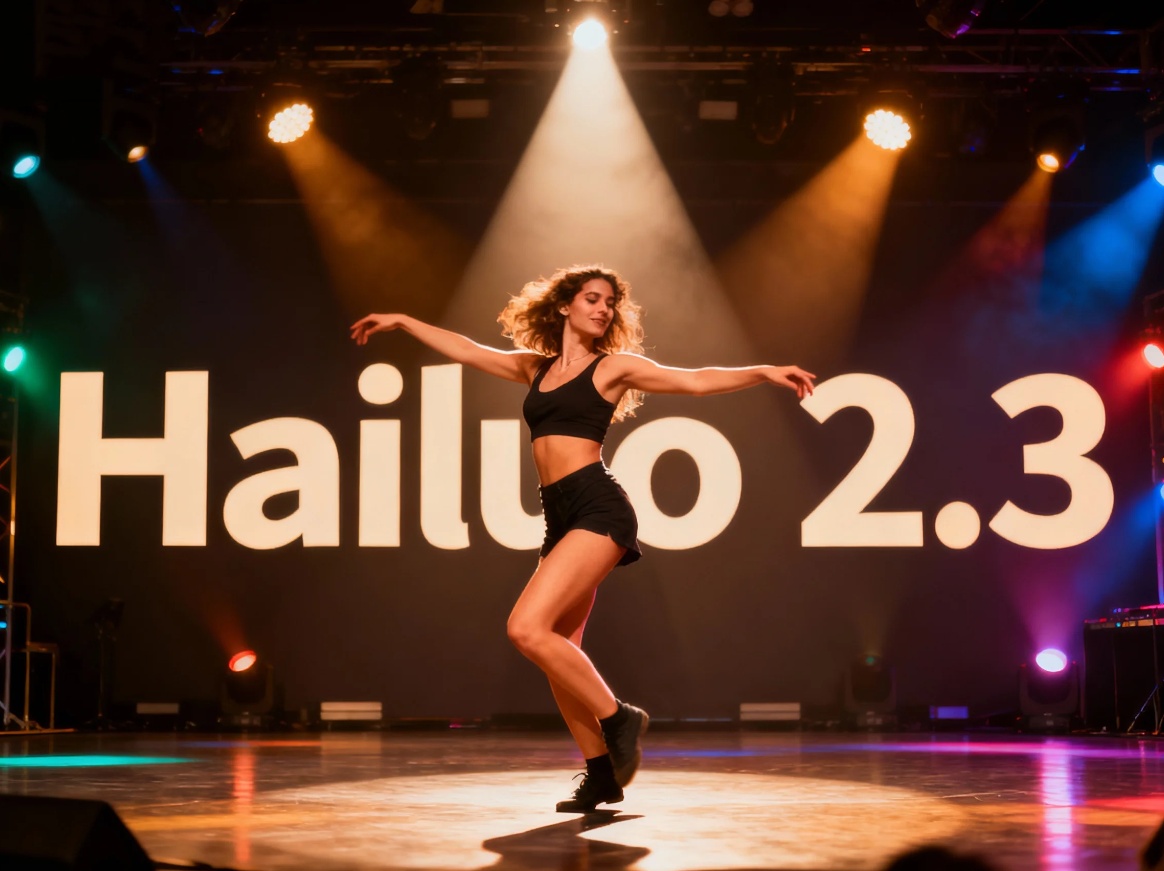
Artificial intelligence is redefining the art of video production, and Hailuo 2.3 is leading this transformation.
As an advanced AI video generator, Hailuo 2.3 empowers creators with cinematic control, expressive motion, and multi-style rendering — all through simple prompts.
If you’ve ever wondered how to use Hailuo 2.3 to produce professional, cinematic videos, this step-by-step guide will take you from concept to creation.
👉 Experience Hailuo 2.3 here: https://www.jxp.com/hailuo
What Makes Hailuo 2.3 Unique?
Unlike older AI models that rely on random frame generation, Hailuo 2.3 integrates physics-based logic, emotion tracking, and style consistency to craft realistic and coherent motion scenes.
Whether you’re producing commercials, cinematic shorts, explainer videos, or storyboards, Hailuo 2.3 ensures unmatched realism, detail, and direction.
Key Features of Hailuo 2.3
🎯 Precision Prompt Understanding
Hailuo 2.3 reads every detail in your description — from mood and lighting to camera intent. Whether you want a slow cinematic pan or a dynamic tracking shot, it faithfully interprets your words into motion.
💡 Physics-Aware Motion & Lighting
Movement feels authentic because Hailuo 2.3 simulates real-world forces like gravity, shadow diffusion, and reflective behavior. The result is naturally fluid motion with cinematic lighting accuracy.
😊 Micro-Expression Fidelity
For close-ups, Hailuo 2.3 captures subtle facial movements — eye shifts, lip tension, micro-smiles — giving your characters emotional believability.
🎨 Multi-Style Rendering
Switch effortlessly between photoreal, anime, CG, or illustrative styles while maintaining character identity, color palette, and visual coherence.
🎥 One-Shot Cinematic Sequences
Generate seamless 10-second clips without flicker or scene drift. Ideal for creative previews, short-form storytelling, and advertising visuals.
🚀 Creator-Ready Outputs
Videos generated by Hailuo 2.3 are ready to edit and integrate into tools like Premiere Pro, Final Cut, or DaVinci Resolve — perfectly fitting your workflow.
How to Use Hailuo 2.3 – Step-by-Step Guide
Learning how to use Hailuo 2.3 efficiently helps you produce cinematic-quality content faster. Follow these three simple steps.
Step 1 — Select Hailuo 2.3 as Your Model
Open your preferred Image-to-Video or Text-to-Video interface and choose Hailuo 2.3.
This enables its advanced motion physics, lighting precision, and multi-style capabilities.
Step 2 — Write a Clear and Focused Prompt
Your prompt defines the outcome. Include:
Subject (who or what appears)
Action (what they’re doing)
Mood or emotion
Environment and lighting
Camera movement or shot type
💬 Example:
“A woman walking through a neon-lit street at night, cinematic lighting, gentle rain, camera pans upward.”
Add a reference image to ensure character or product consistency across frames.
Step 3 — Generate and Refine
Render your first video clip and review motion smoothness, lighting, and pacing.
Adjust your prompt wording or scene duration to refine results — Hailuo 2.3 maintains lighting and subject continuity across every iteration.
👉 Try it directly: https://www.jxp.com/hailuo
With these steps, you’ll master how to use Hailuo 2.3 to create professional, cinematic sequences for any project.
Applications of Hailuo 2.3
Hailuo 2.3 for Social & Marketing Content
Create visually striking videos for campaigns or product launches.
Hailuo 2.3 ensures motion precision and brand color integrity across all frames.
Hailuo 2.3 for Studios & Agencies
Use Hailuo 2.3 for storyboarding, style exploration, and camera testing — streamlining concept-to-edit workflows and enabling creative collaboration.
Hailuo 2.3 for E-Commerce & Product Display
Showcase product design, reflection, and texture dynamically.
Hailuo 2.3 helps audiences understand usability and appeal at a glance.
Hailuo 2.3 for Education & Media
Transform complex ideas into immersive motion explainers.
The physics-based animation in Hailuo 2.3 enhances clarity and viewer retention.
Hailuo 2.3 for Gaming & Virtual Worlds
Previsualize animation, lighting, or environmental mood.
Hailuo 2.3 supports artistic testing and creative direction workflows.
Best Practices for Using Hailuo 2.3
Keep prompts short and focused
Add emotion and environment cues
Use cinematic camera terms like “slow zoom” or “handheld tilt”
Iterate small adjustments to stabilize output
Export in the best aspect ratio for your platform
Why Creators Love Hailuo 2.3
Because Hailuo 2.3 unites physics precision, emotional realism, and aesthetic control, it bridges imagination and cinematic storytelling.
It’s not just an AI video generator — it’s your creative co-director, turning words into expressive, living motion.
Whether you’re a first-time creator or a studio professional, learning how to use Hailuo 2.3 opens up a world of limitless cinematic possibilities.
👉 Start creating today: https://www.jxp.com/hailuo