


Coming soon
JXP is the AI video generator that makes creation joyful. Anyone can turn ideas into videos in seconds.
Latest on JXP
Coming soon
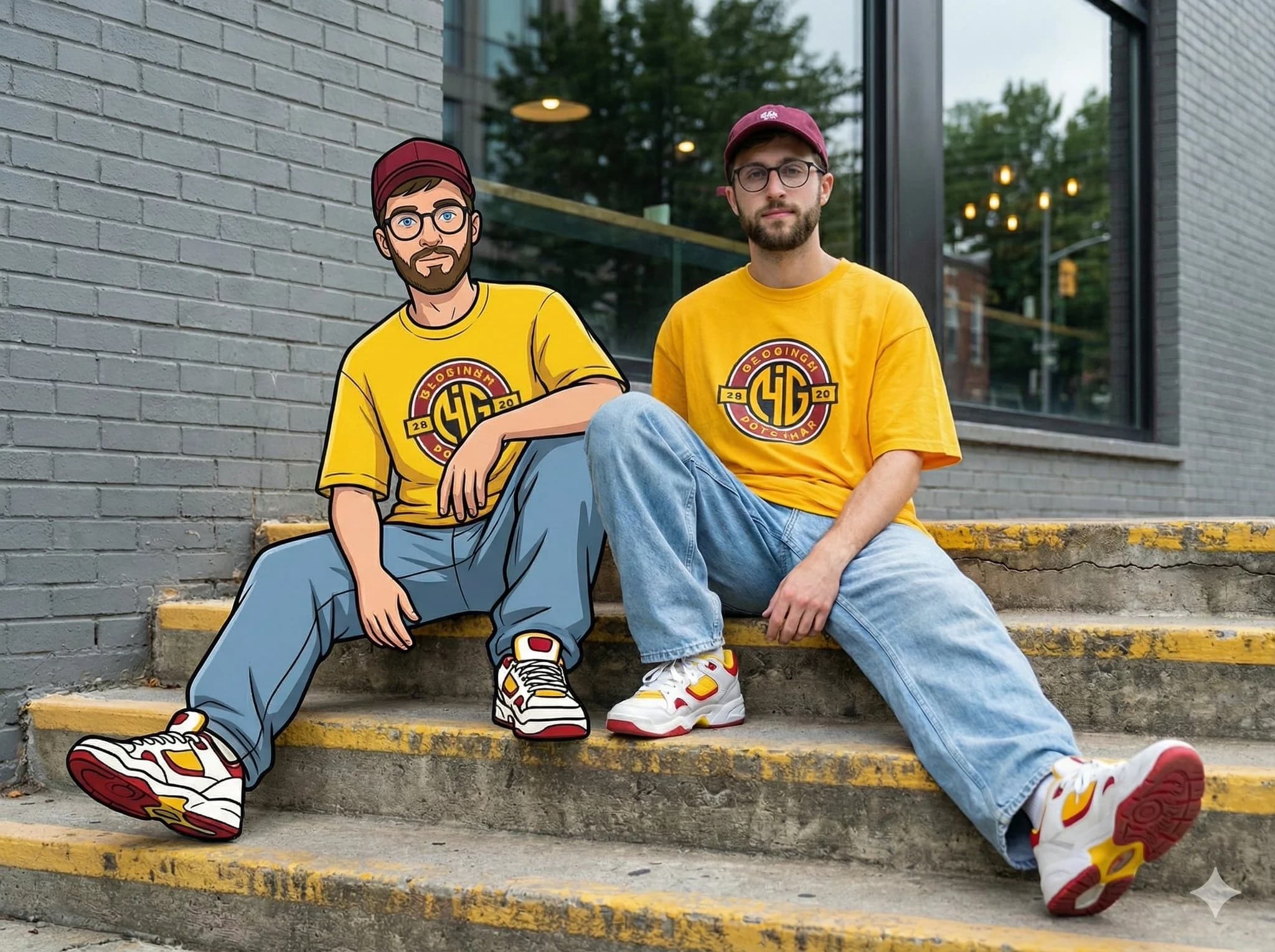

Swipe to explore more models
One studio, every workflow
Turn a prompt, image, reference, or performance into production-ready content. JXP brings Text to Video, Image to Video, Reference to Video, and Avatar LipSync into one connected creative workflow.

Sidelit, soft light, high contrast, medium shot, centered composition, clean single subject frame, warm tones. A young man stands in a forest, his head gently lifted, with clear eyes. Sunlight filters through leaves, creating a golden halo around his hair. Dressed in a light-colored shirt, a breeze plays with his hair and collar as the light dances across his face with each movement. Background blurred, featuring distant dappled light and soft tree silhouettes.
VIDEO
Begin with a written idea or a single image, then shape it into a polished video with coherent motion, expressive subjects, and intentional cinematic camera direction.
.png&w=3840&q=75)
.png&w=3840&q=75)
.png&w=3840&q=75)
.png&w=3840&q=75)
.png&w=3840&q=75)
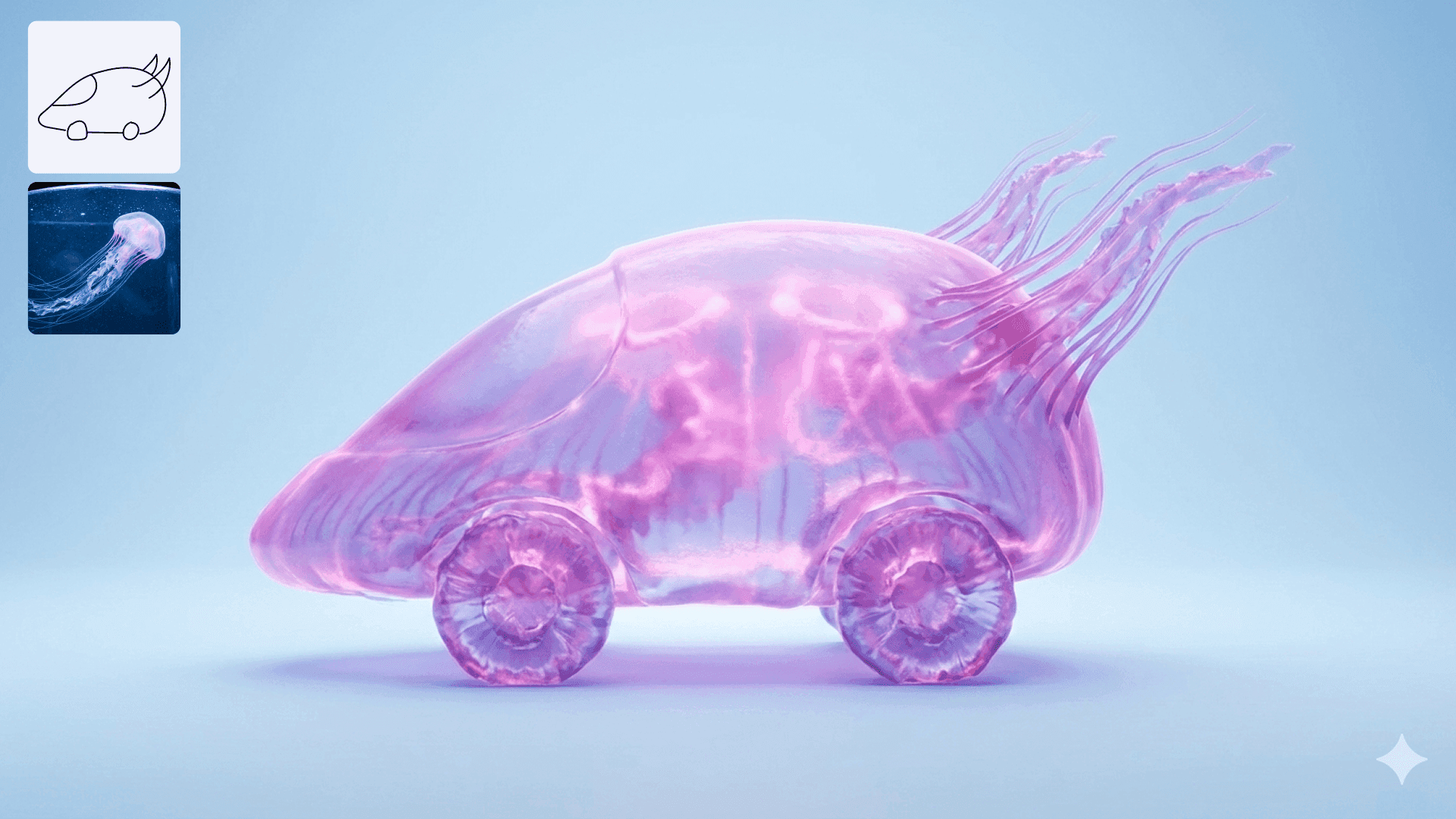
IMAGE
Create a new visual from a prompt or reshape an existing image with natural-language edits. Change objects, composition, lighting, style, and detail while preserving what matters.

A cat “singing” opera with full orchestra, looking surprisingly profound.
CHARACTER
Build recognizable characters from visual references and preserve their identity, appearance, and personality as they move between still images and new video scenes.
.png&w=3840&q=75)
.png&w=3840&q=75)
.png&w=3840&q=75)
.png&w=3840&q=75)
.png&w=3840&q=75)

WORLDS
Describe a place once and expand it into a complete visual world with its own atmosphere, architecture, characters, lighting, and story-ready details.

LIPSYNC
Bring a portrait or digital character to life with natural facial movement and speech-synced lip motion for presenters, storytellers, and social content.
Seedance showcase
Discover sixteen cinematic creations from the latest Seedance community feed, selected from text, image, and reference-driven video workflows.
Image showcase
4K images with near-perfect text rendering.
Ready-to-use motion
Start with an original motion example or upload a reference you have permission to use, then turn your character into a vertical dance clip.
Made for every creative workflow
From a first idea to a finished story, JXP gives individuals and teams one place to generate, edit, animate, and publish.
Simple Pricing
All plans include HD video exports with our Seedance Pro AI video generation tool.
Pay once and use credits anytime - they never expire
Get fresh credits every month with automatic renewal. Subscription plans offer 20% more credits compared to one-time purchases.
Choose a video setup to estimate the current credit cost per video. Free trials and other credit spending are excluded.
Model
Resolution
Duration
Reference video
50 credits per video
Based on current generation pricing. Additional references or settings can change the cost; confirm the displayed total in the generator before submitting.
Support Center
JXP is an all-in-one creative platform for generating videos and images, editing visuals, animating characters, and exploring leading AI models from one workspace.
JXP brings together a growing catalog of video and image models, including JXP, Seedance, Veo, Gemini Omni, Kling, Wan, Nano Banana, GPT Image, and other specialized creative tools.
Yes. Eligible new users receive trial access that can be used to explore supported generation workflows before purchasing additional credits.
You can create text-to-video and image-to-video clips, reference-guided scenes, AI images, image edits, talking avatars, lip-sync content, and template-driven dance videos.
No. JXP is designed for plain-language creation. More experienced creators can still refine model choice, references, aspect ratio, motion, and output settings.
Supported workflows let you upload reference images, source videos, or audio. Only upload media that you own or have permission to use.
Commercial usage depends on your plan, the selected model, and the rights attached to your source material. Review the applicable plan and model terms before publishing.
Each generation uses credits based on the selected model and settings such as duration, resolution, and quality. The estimated cost is shown before you generate.
Generation time varies by model, queue demand, duration, and output quality. Short previews usually finish faster than long or high-resolution generations.
Start with a clear prompt, use high-quality reference media, choose the model that matches the task, and iterate one creative variable at a time.
Start Creating
Join thousands of creators using JXP AI to bring their ideas to life. No credit card required.
Start Free Now