Happy Horse 1.1 AI Video Generator
Generate smoother motion, more consistent subjects, richer visual detail, and better-synchronized audio with HappyHorse 1.1.
Upload 1-9 images. Previews appear below the upload area.
Type @ or use the button to insert an uploaded image as Image N.
What is Happy Horse 1.1?
Read overview
Happy Horse 1.1 is the upgraded HappyHorse AI video model for creators who need expressive motion, stable subjects, realistic detail, and sound that belongs in the scene.
- Smoother motion and stronger temporal consistency
- Multi-reference fusion for stable subjects
- 720p and 1080p output on JXP
HappyHorse 1.1 builds on the production use of version 1.0 in short drama, e-commerce advertising, brand marketing, and CG workflows. The update focuses on practical problems that become visible when a video moves beyond a simple single shot.
You can begin with a text prompt, an image, or multiple references, choose a suitable aspect ratio and resolution, then generate a clip with motion, visuals, and audio planned as one experience through the JXP workspace above.
Explore HappyHorse 1.1 videos
Browse motion, character, product, and cinematic examples created with HappyHorse 1.1.
Five ways HappyHorse 1.1 improves AI video
Each upgrade targets a visible part of the finished clip, from the first movement to the final sound cue.
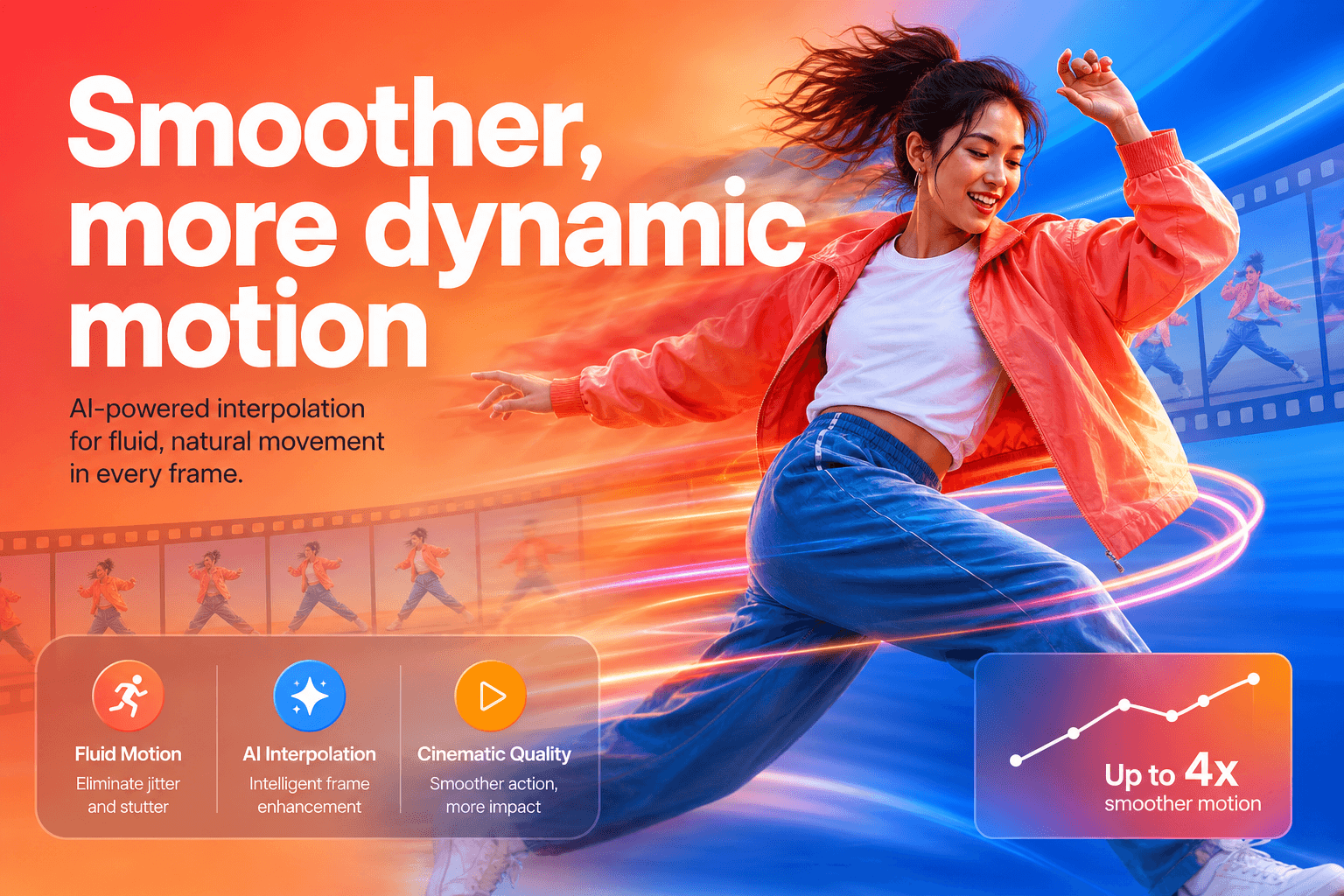
Smoother, more dynamic motion
Improved motion modeling and temporal consistency help complex actions feel more natural, coherent, and visually forceful instead of slow or under-paced.
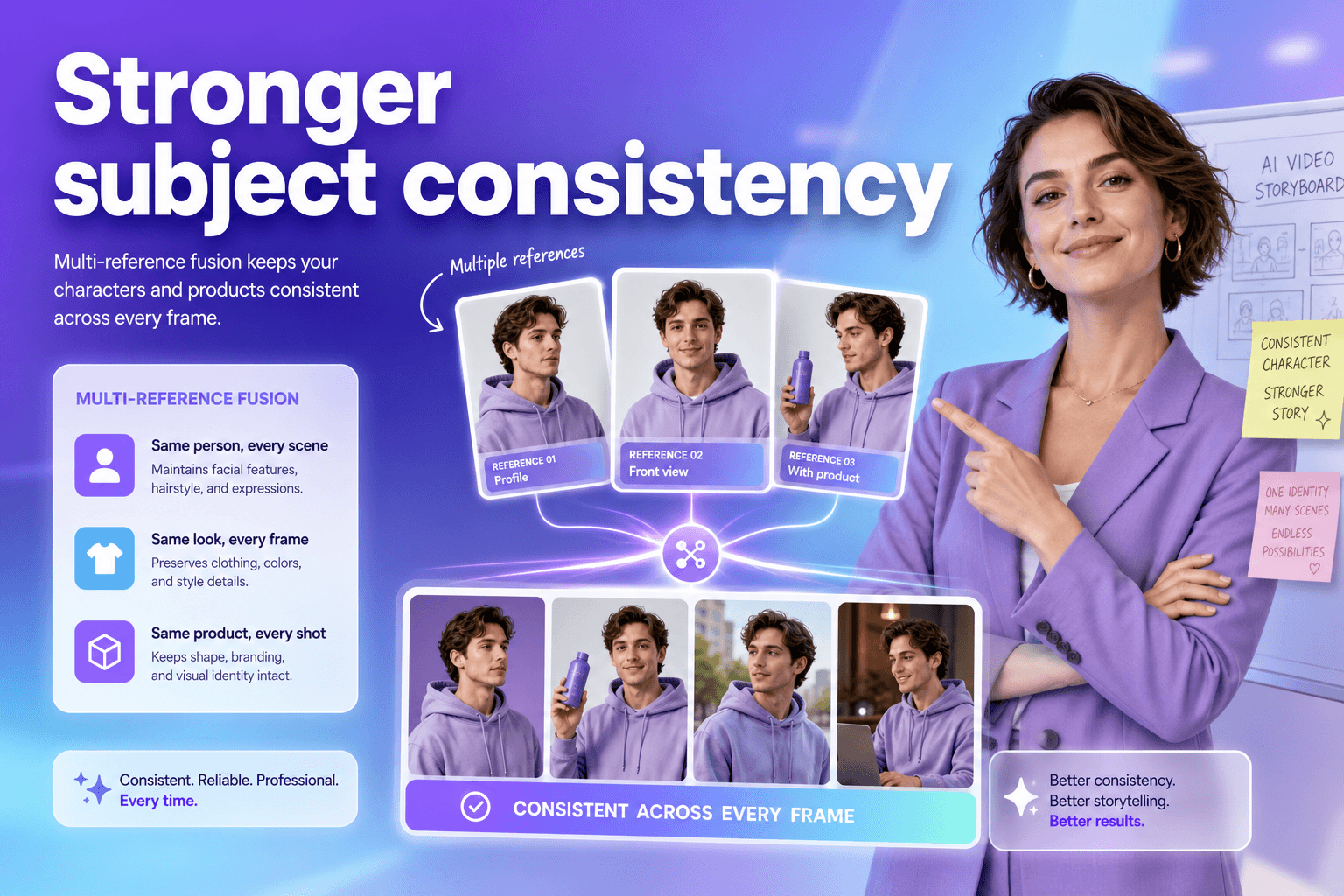
Stronger subject consistency
Multi-reference fusion preserves product details, brand elements, character identity, and scene information across reference-driven generations.
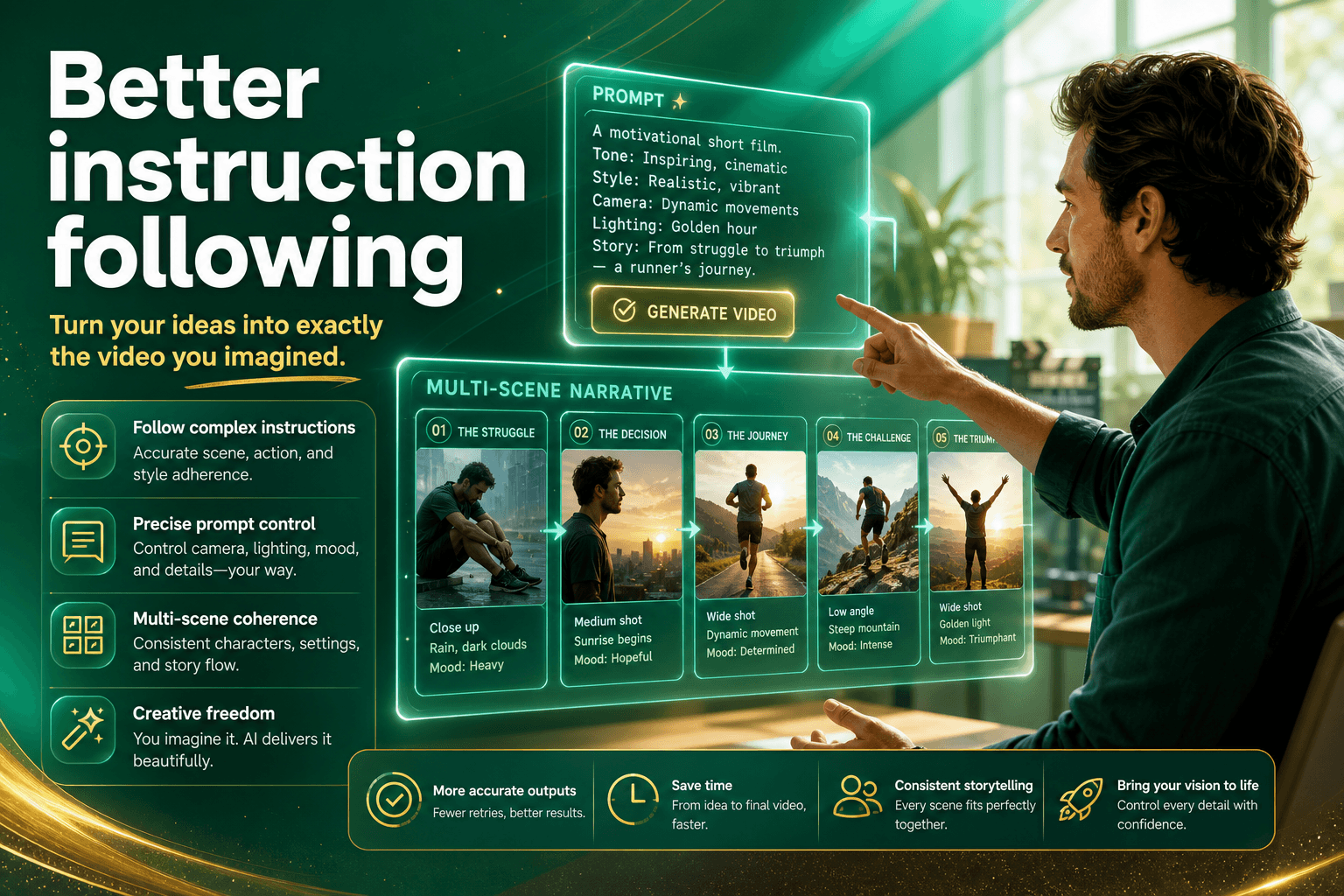
Better instruction following
Stronger long-context understanding supports multi-scene prompts, character relationships, camera sequences, and clearer narrative planning.

More realistic visual detail
Refined facial detail, skin rendering, close-ups, tracking shots, and shot-reverse-shot sequences improve visual fidelity and continuity.
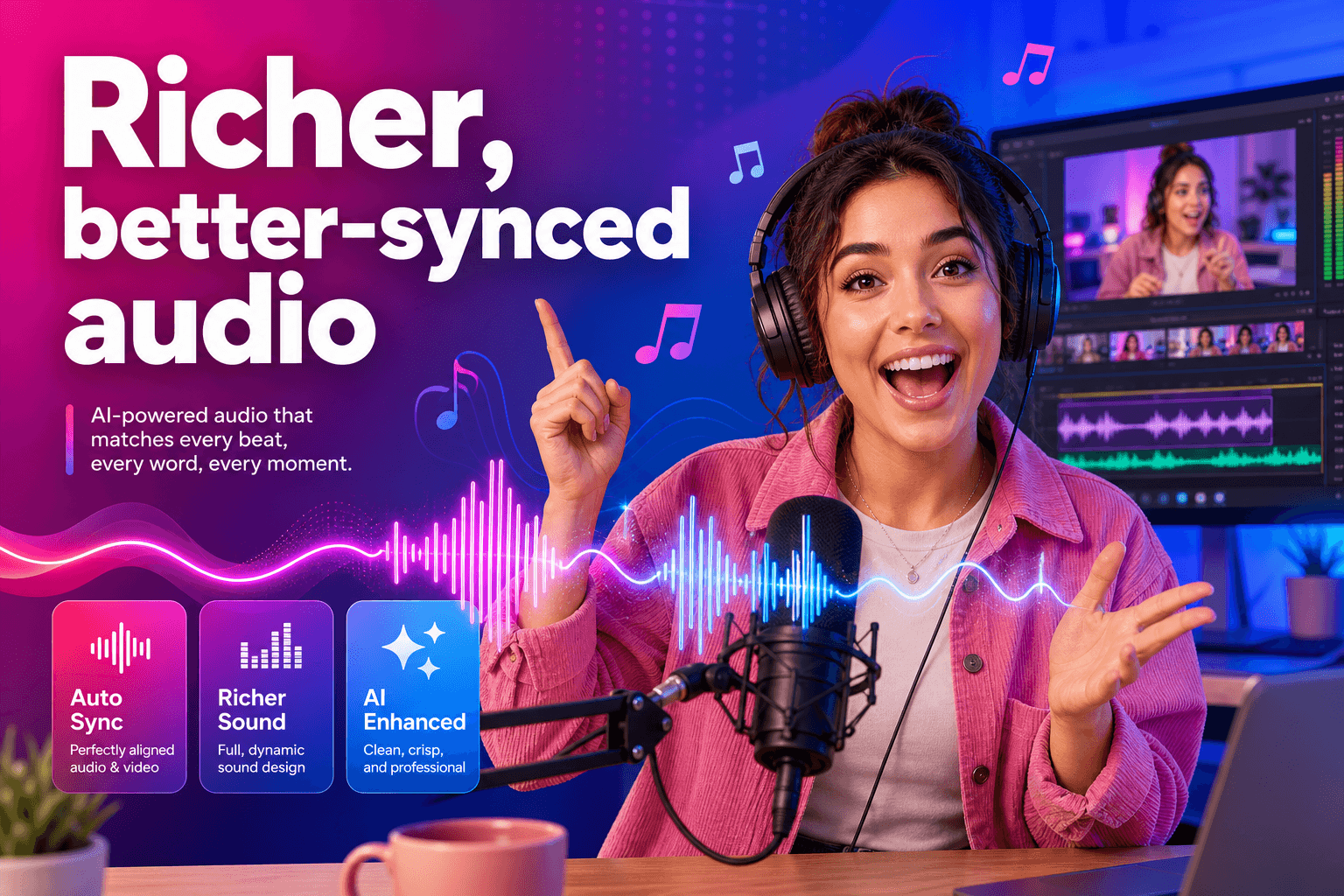
Richer, better-synced audio
Dialogue, music, ambience, and sound effects can align more closely with scene emotion, visible action, and narrative timing.
Create scenes with stronger visual continuity
Happy Horse 1.1 is designed for clips where motion, subject identity, camera choices, and sound all need to stay connected.
Character close-ups
Preserve natural skin texture and facial detail without exaggerated sharpening, oily highlights, or smeared surfaces.
Multi-shot stories
Use tracking shots, shot-reverse-shot language, and connected camera sequences with more coherent pacing.
Reference-led videos
Combine product, character, environment, storyboard, or multi-panel references with more reliable visual fusion.
How to use Happy Horse 1.1 on JXP
Move from an idea or reference to a finished video in three clear steps.
- 1
Choose an input
Start with text-to-video, image-to-video, multiple reference images, or video editing. Upload the assets that define your subject and scene.
- 2
Describe the action
Write a direct prompt that identifies who or what moves, how subjects relate, and where the action happens.
- 3
Set and generate
Choose duration, aspect ratio, and 720p or 1080p resolution. Review credits, generate, then download when processing finishes.
Where HappyHorse 1.1 fits into production
Use the model when continuity and controllability matter as much as the first-frame visual.
 01
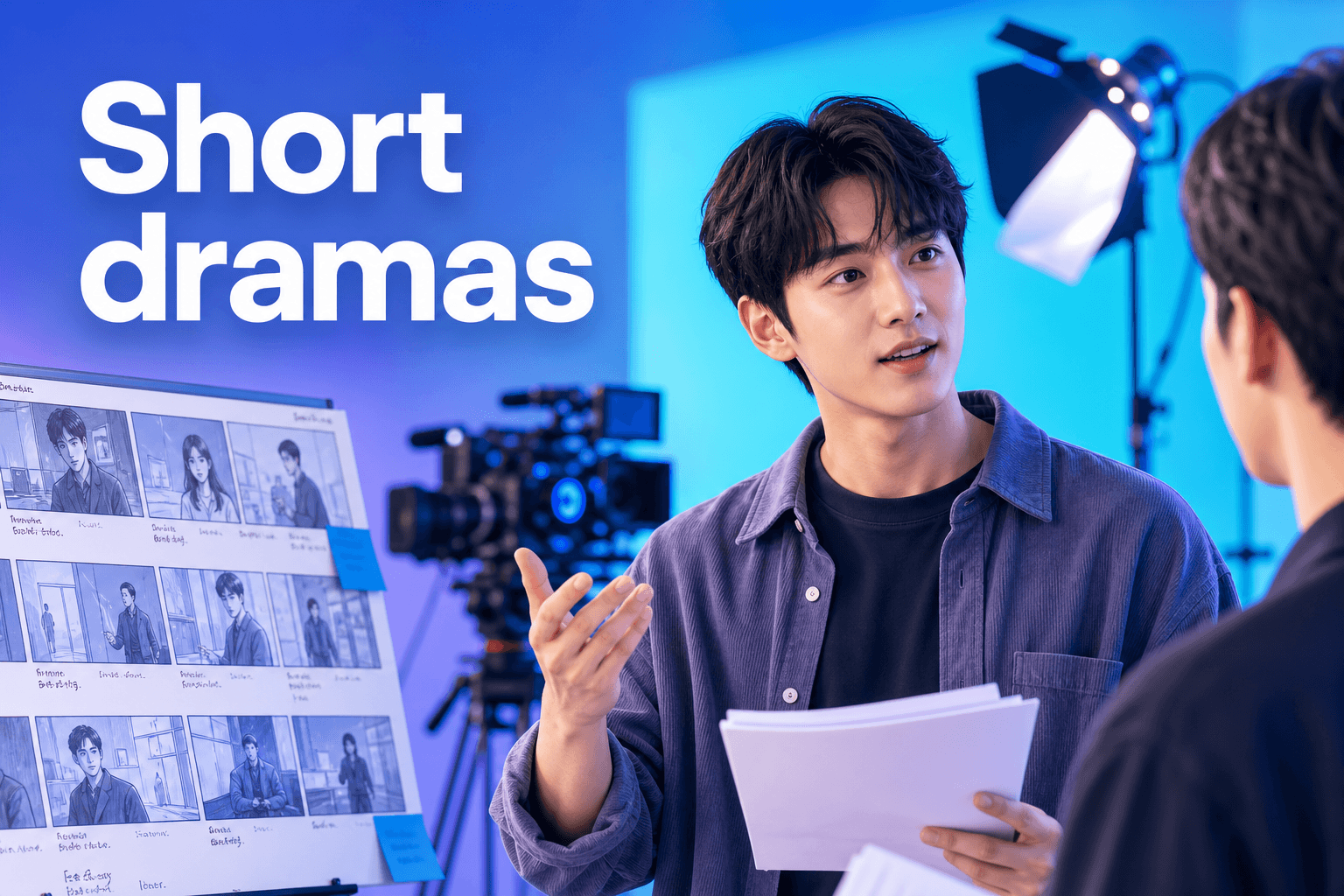
01Short dramas
Plan multi-scene performances with steadier characters, more natural pacing, and clearer cinematic camera language.
 02
02E-commerce videos
Use product references while preserving recognizable details and brand elements across motion and scene changes.
 03
03Brand campaigns
Build character-led or product-led sequences with stronger visual continuity and more controlled audio cues.
 04
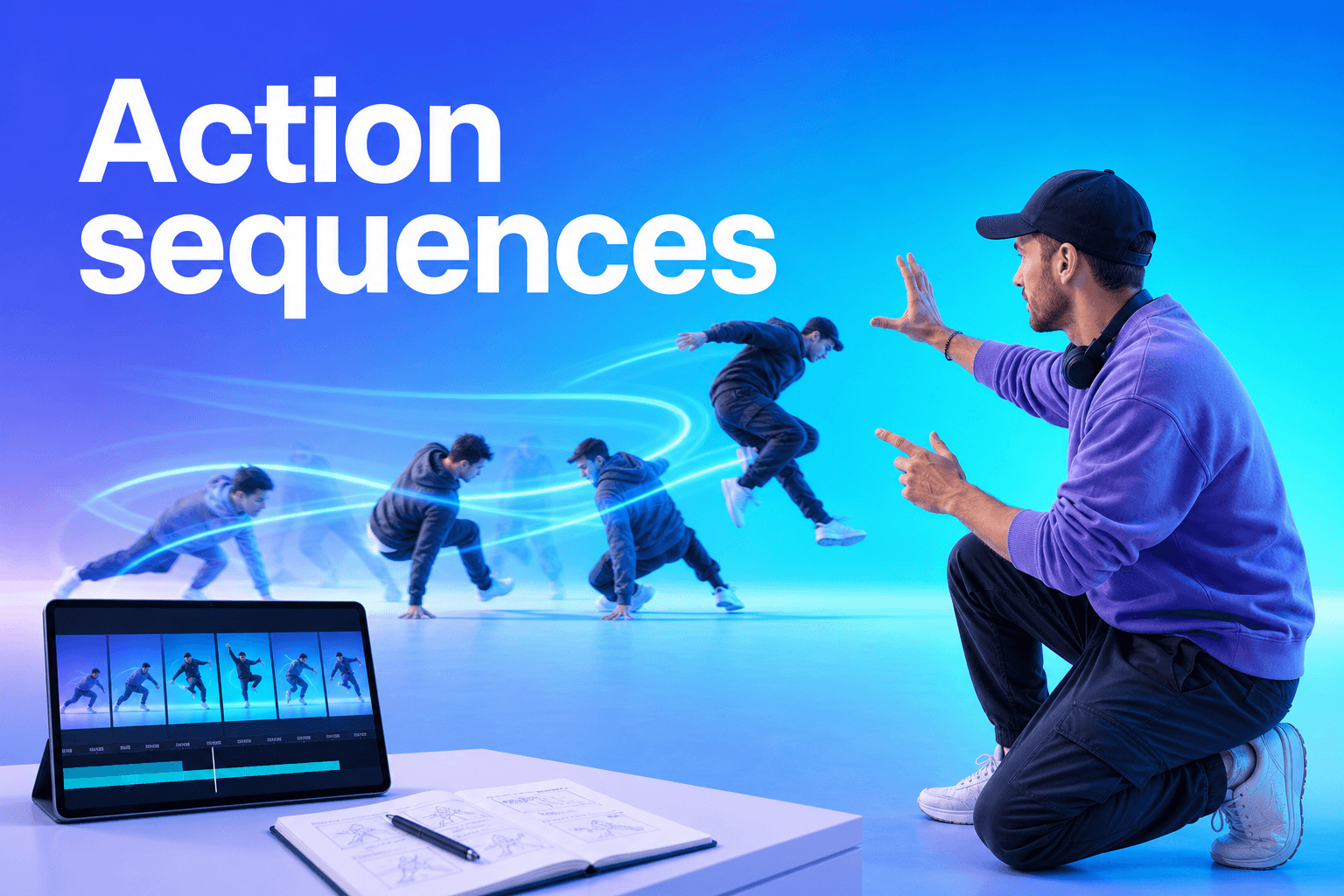
04Action sequences
Describe the relationship between subjects clearly to produce movement with better pace, impact, and temporal coherence.
Happy Horse 1.1 vs HappyHorse 1.0
Version 1.1 keeps the same broad creation workflow while concentrating its upgrade on production consistency and expressive quality.
1.0General AI video motion
1.1Smoother complex action and stronger kinetic tension
1.0Reference-driven generation
1.1More accurate multi-reference fusion and subject identity
1.0Prompt-based scene generation
1.1Stronger long-context planning and character relationships
1.0High-quality generated imagery
1.1More natural skin detail and cinematic shot continuity
1.0Native audiovisual output
1.1Richer sound detail and more accurate synchronization
More control from prompt to final frame
Choose Happy Horse 1.1 when your brief depends on connected scenes, recognizable subjects, intentional camera language, and audio that supports the story.
Pricing follows the output you choose. HappyHorse 1.1 costs 3 credits per second at 720p and 4 credits per second at 1080p.
Built around real content workflows
The HappyHorse 1.1 update responds to needs seen across short drama, e-commerce advertising, brand marketing, and CG production.
Instead of adding isolated controls, the upgrade strengthens the parts creators repeatedly need to hold together: movement across time, identity across references, intent across a longer prompt, detail across close-ups, and sound across visible action.
Happy Horse 1.1 questions
Quick answers about capabilities, references, audio, output, and JXP credits.
What is Happy Horse 1.1?
Happy Horse 1.1, also written as HappyHorse 1.1, is an upgraded AI video model focused on smoother motion, stronger subject consistency, better instruction following, more realistic imagery, and more accurate audio-visual synchronization.
Which generation modes does HappyHorse 1.1 support?
The available API capabilities include text-to-video, image-to-video, reference-to-video, and flexible aspect ratios, with output options at 720p and 1080p.
How much does Happy Horse 1.1 cost to use on JXP?
Generation costs are calculated by output duration and resolution: 720p costs 3 credits per second, while 1080p costs 4 credits per second.
How does HappyHorse 1.1 improve motion?
The model improves motion modeling and temporal consistency to reduce sluggish movement and weak pacing. Characters and objects move more naturally in complex action scenes.
Can HappyHorse 1.1 work with multiple reference images?
Yes. Its multi-reference fusion is designed to preserve product details, brand elements, character identity, and scene information more reliably across generated video.
Does Happy Horse 1.1 generate audio?
HappyHorse 1.1 improves dialogue pacing, pauses, tone, ambient sound, background music, and synchronization between sound, on-screen action, and narrative timing.
Create with Happy Horse 1.1
Return to the studio above, choose a generation mode, and turn your prompt or references into a more coherent audiovisual sequence.
Start creating