AI Christmas Card Generator
Choose a Christmas card template, make the message your own, and share or send a personal greeting this holiday season.
How to Use the AI Christmas Card Generator
Your Christmas card starts with a template and ends with a greeting ready to share.
Choose a Card Template
Pick a Christmas card design that suits your recipient. Choose a traditional, playful, or simple style as the starting point for your greeting.
Customize Your Card Content
Make the content your own. Add your Christmas wishes and personal details, then check the wording and names before finishing your card.
Share or Send Your Card
Share or send the finished card using an available delivery option. Give your greeting one final read before sending your Christmas wishes.
What Is an AI Christmas Card Generator?
A tool for bringing a festive design and a personal Christmas greeting together.
An AI Christmas card generator helps you make a holiday card around the greeting you want to send. An AI Christmas card maker gives your idea a starting design and a place for your personal message.
Here, you begin with a template, customize the card content, then share or send the result. Think of the design and message together: choose a style that suits your recipient and write a greeting that sounds like you.
Make It Personal with an AI Christmas Card Maker
Keep the design, the message, and the person receiving it at the heart of your card.
Start with a Design
A template gives your card a visual starting point. Choose the mood first, then build your greeting around the person you are writing to rather than working from an empty page.
Make the Content Yours
Personalize the card content with a greeting that fits your relationship. A name, a shared memory, or a thoughtful Christmas wish gives your message something more specific than a standard seasonal line.
Finish with a Personal Greeting
Bring your design and message together in a card you can share or send. Read the words as your recipient will, and make sure the final greeting says what you mean.
What Can You Create with the AI Christmas Card Generator?
Make a personal note, a family greeting, a seasonal thank-you, or a playful Christmas wish.
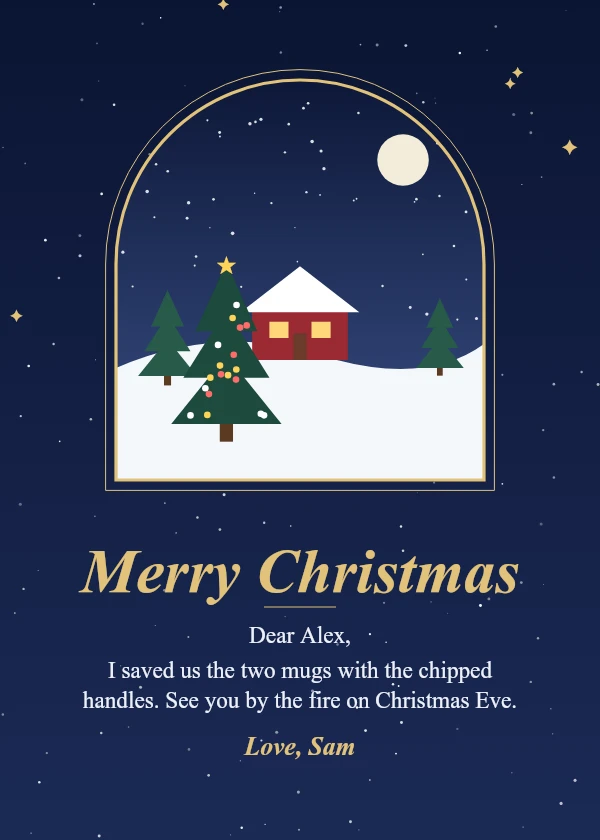
A Personal Christmas Note
Build your greeting around one person and one message. Choose a design that matches the relationship, then add a Christmas wish you would feel comfortable saying to them in person.
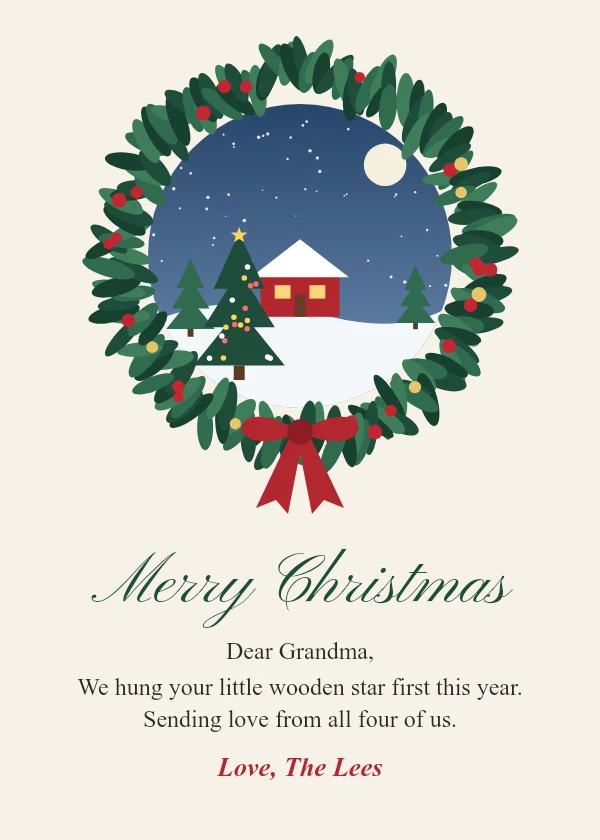
A Family Holiday Greeting
Share a warm greeting from your household. Mention a memory from the year or a tradition you look forward to, then close with a wish for the people receiving your card.
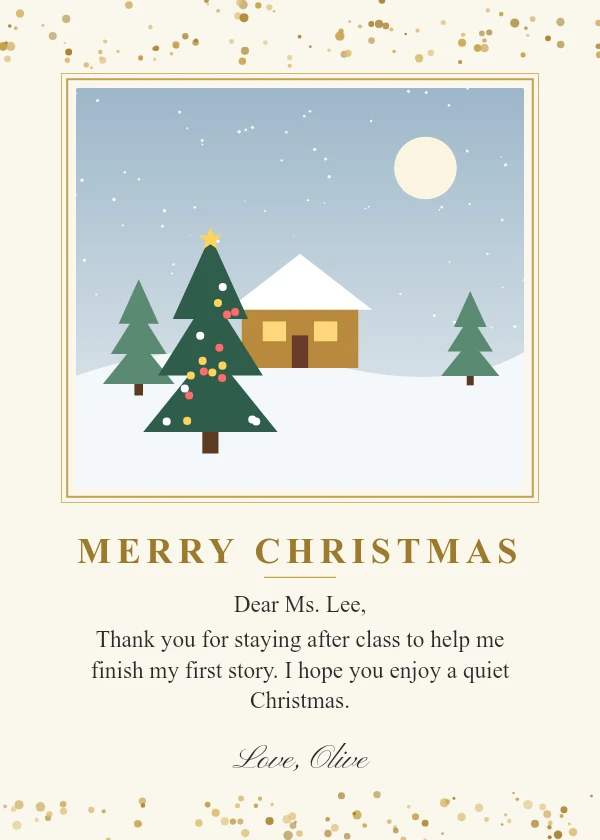
A Seasonal Thank-You
Use your Christmas card to recognize someone who helped you this year. Say what you appreciated and keep the seasonal wish brief, so the thank-you remains the center of the message.

A Playful Christmas Wish
Make room for an inside joke or a familiar holiday habit. Keep the humor kind and specific to the recipient, with a short greeting that gives the design room to breathe.
Who Is This AI Christmas Card Maker For?
For families, couples, friends, and anyone with a personal Christmas message to send.
For Families Staying Connected
Write to relatives you cannot celebrate with in person. A detail from your year and a warm Christmas wish can give your greeting a familiar voice, even when you are far apart.
For Couples Sharing Memories
Mark a shared moment from the year, from a new home to a small everyday tradition. Let that memory guide the message and choose a design that feels right for both of you.
For Friends Sending Smiles
Choose a tone that fits your friendship. A short joke, a remembered trip, or a wish for another year together can make your Christmas card feel like a conversation you already share.
For Thoughtful Thank-Yous
Send a seasonal note to a teacher, neighbor, or colleague. Mention the help or kindness you appreciated, then finish with a Christmas greeting that suits your relationship and the occasion.
Recommended Christmas Card Templates
Not sure where to start? Choose a design to match your message and the person receiving it.
Evergreen Wreath
Choose this direction for a traditional Christmas greeting. Evergreen details and a familiar festive mood suit warm wishes for family and friends, with space for a short message and your signature.
Use This TemplateSilent Night
Use a cozy winter design for a gentle, personal note. Pair the seasonal setting with a shared memory or a wish for restful holidays, especially when writing to someone you miss.
Use This TemplateSnow Globe
Pick a cheerful design for a friend who enjoys a little holiday humor. Add an inside joke or a familiar festive phrase, then finish with a Christmas wish that sounds like you.
Use This TemplateGold & Ivory
Choose a restrained design when your thank-you should take the lead. Recognize a neighbor, teacher, or colleague with a specific note of appreciation and a brief wish for the Christmas season.
Use This Template
AI Christmas Card Generator: Plans and Pricing
See what is included in your card-making options before you start.
| Feature | Included for free |
|---|---|
| Templates | All six Christmas card designs. No credits required. |
| Photo cards | Sign in to add your own photo at no charge. |
| Sharing | Send a card link by WhatsApp, Facebook, X or email for free. |
| Downloads | Save a watermark-free 1500 × 2100 PNG for free. |
AI Christmas Card Generator FAQs
Find answers about making your card, writing your greeting, and sharing it.
How do I make a Christmas card with this tool?
Choose a card template, customize the content, then share or send your finished card. The three steps keep the design and your message together as you prepare your Christmas greeting.
Start by deciding who the card is for. Pick a template with a mood that suits them, then make the words personal. A shared memory or a thoughtful wish can guide your message. Before sending, check the recipient’s name, your signature, and any year shown on the card.
What should I write in my Christmas card?
Write a Christmas wish, add one personal detail, and finish with your name or household signature. Your greeting can be warm, playful, or formal, depending on your relationship with the person receiving it.
For example, “Merry Christmas, Alex! Thank you for making this year brighter. Wishing you a restful holiday and plenty of good moments in the year ahead.” Change the name and the detail to fit your recipient. If the design is busy, a short greeting can keep your message easy to read.
What is the difference between an AI Christmas photo and a card?
An AI Christmas photo is a festive image. A Christmas card combines a design or image with a greeting for someone to receive. A photo can be part of the card, but the two outputs serve different purposes.
For a photo card, sign in to upload a JPG, PNG or WebP image up to 20 MB. Check the crop in your chosen frame, then add a greeting that fits the photo.
What should I check before sharing my Christmas card?
Check the recipient’s name, your greeting, the year, and your signature before sharing or sending your Christmas card. Make sure the tone suits the person receiving it and the words say what you intended.
Read the whole greeting once as if you were the recipient. Look for spelling errors, missing names, or a date left over from another Christmas season. If your design includes a photo, check that it is the image you intended to use. Then choose an available sharing or sending option.
Create Your Christmas Card
Choose a template, add a message that sounds like you, and share your Christmas wishes.
Choose a Christmas Card Template