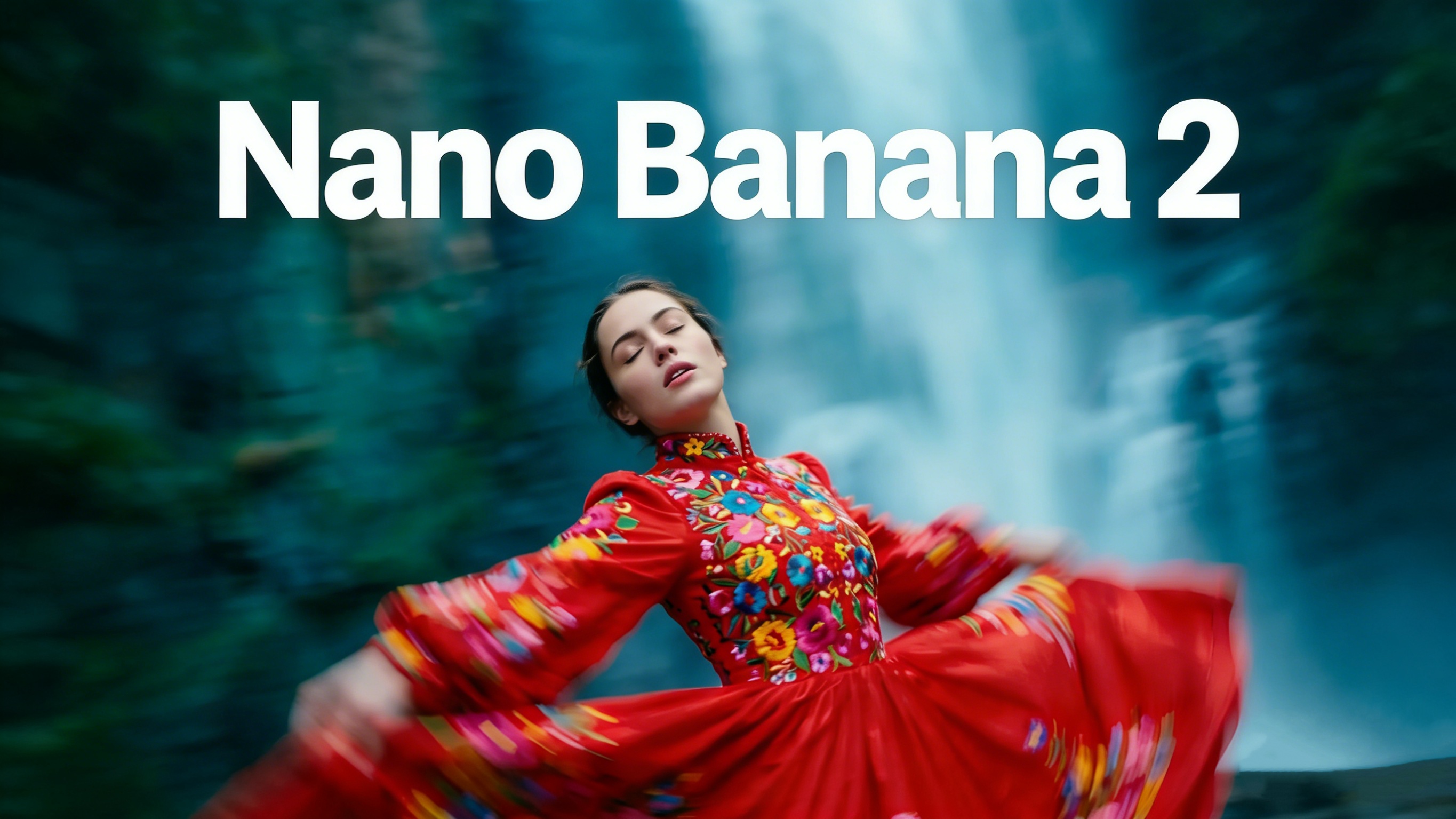
Nano Banana 2 has officially arrived, and it’s redefining what’s possible in AI-powered image generation. As Google’s latest model — technically known as Gemini 3.1 Flash Image — Nano Banana 2 combines the advanced world knowledge and studio-quality output of Nano Banana Pro with the lightning-fast processing speed of Gemini Flash. Whether you’re a content creator, marketer, designer, or developer, this model opens up a new world of visual creativity at a speed that keeps pace with your imagination. Ready to see it in action? Try Nano Banana 2 now and experience the difference yourself.
What Is Nano Banana 2?
Nano Banana 2 is the successor to both the original Nano Banana (Gemini 2.5 Flash Image) and Nano Banana Pro (Gemini 3 Pro Image). It was launched in early 2026 and quickly became the default image generation model across Google’s ecosystem — including the Gemini app, Google Search AI Mode, Google Lens, Flow, and Google Ads.
The core promise of Nano Banana 2 is simple: deliver Pro-level results at Flash-level speed. Previous users had to choose between fast iteration (original Nano Banana) or high-fidelity output (Nano Banana Pro). With Nano Banana 2, that trade-off is gone.
Key Technical Specifications
Nano Banana 2 supports images from 512px all the way up to 4K resolution, with native aspect ratio support including standard options plus extended formats like 4:1, 1:4, 8:1, and 1:8. This makes it suitable for everything from vertical social media posts to ultra-wide cinematic backdrops.
Key Features of Nano Banana 2
1. Advanced World Knowledge
One of the most powerful upgrades in Nano Banana 2 is its integration with Gemini’s real-world knowledge base and real-time web search data. This means the model can generate highly accurate images of specific real-world subjects, locations, brands, and public figures — something earlier models often struggled with. For example, asking Nano Banana 2 to generate an image of a specific stadium, product, or historical landmark will produce a result that actually looks like the thing you described.
This intelligence also extends to infographics and data visuals. The model can generate charts, diagrams, and labeled illustrations with a level of reliability that makes it genuinely useful for educational and business content.
2. Subject Consistency Across Workflows
Nano Banana 2 supports character and object consistency at a scale that was previously reserved for professional tools. Specifically, the model can maintain the consistent appearance of up to five characters and the accurate details of up to 14 objects within a single creative workflow.
This is a game-changer for storytelling, storyboarding, and serial content creation. If you’re building a graphic novel, a product campaign, or a brand character, Nano Banana 2 ensures your visuals stay on-brand and on-character across every frame.
3. Precise Instruction Following
Nano Banana 2 has been specifically optimized to follow complex, nuanced prompts more closely than its predecessors. The result is that the image you receive better matches the image you imagined. Users who’ve tested Nano Banana 2 note that it captures subtle stylistic and compositional details that previous versions often missed.
4. In-Image Text Rendering and Localization
Nano Banana 2 brings significantly improved text rendering — a historically weak area for AI image models. The model accurately renders multilingual text within images, including complex scripts. It can also translate and localize text inside generated images, making it highly useful for international marketing campaigns and multilingual creative projects.
5. Production-Ready Output
With resolution support up to 4K and a full range of aspect ratios, Nano Banana 2 is built for professional use. Assets generated with the model are ready for deployment in digital advertising, social media, print, and video production — without the need for extensive post-processing.
How to Use Nano Banana 2: A Step-by-Step Tutorial
Learning how to use Nano Banana 2 is straightforward, but a few best practices can dramatically improve your results.
Step 1: Write a Detailed Prompt
The foundation of any great Nano Banana 2 image is a well-crafted prompt. Follow this formula:
[Action] + [Subject] + [Scene/Setting] + [Style/Mood] + [Technical Specs]
For example: “Generate a cinematic photo of a young woman in a red trench coat walking through a foggy Tokyo street at night, neon reflections on wet pavement, 16:9 aspect ratio, 4K resolution.”
The more specific your prompt, the more accurately Nano Banana 2 will translate your vision into a finished image.
Step 2: Select the Right Aspect Ratio and Resolution
Before generating, choose the output format that fits your use case:
512px — Ideal for rapid prototyping and iteration where speed matters most
1K–2K — Suitable for web content, blog graphics, and social media
4K — Best for print, advertising, and high-resolution display
Nano Banana 2 also supports extended ratios like 4:1 for website banners and 1:8 for vertical storytelling formats.
Step 3: Use the Edit Function for Refinements
One of the most powerful ways to use Nano Banana 2 is through iterative editing. Rather than starting over when a result isn’t quite right, you can upload the image and describe the changes you want in natural language. The model will apply targeted edits while preserving the elements you want to keep — background, lighting, composition, and character details all remain intact when you ask for specific modifications.
Step 4: Apply Subject Consistency for Multi-Image Projects
If you’re working on a project that requires multiple related images — such as a social media series, an illustrated story, or a product catalog — leverage the subject consistency feature. Introduce your character or object in the first image, then reference it in subsequent prompts to keep appearances aligned across the entire project.
Step 5: Iterate Rapidly
Nano Banana 2 is built for speed. Use the model’s fast generation time to explore multiple visual directions simultaneously, then refine your favorites. This approach — generate broadly, then refine specifically — is how professionals get the most out of AI image tools.
Nano Banana 2 vs. Nano Banana Pro: Which Should You Use?
Understanding when to use Nano Banana 2 versus Nano Banana Pro helps you get the best results for each project.
Nano Banana 2 (Gemini 3.1 Flash Image) is optimized for rapid generation, day-to-day creative tasks, social content, marketing assets, and iterative workflows where speed is a priority. It delivers Pro-quality results for the vast majority of use cases.
Nano Banana Pro (Gemini 3 Pro Image) remains the tool of choice for tasks requiring maximum factual accuracy, ultra-high-fidelity rendering, or highly complex multi-step editing sequences. Think large-format print campaigns, advanced product photography, or technically demanding commercial projects.
For most users and most projects, Nano Banana 2 is the right choice — offering an exceptional balance of speed, quality, and creative control.
Real-World Use Cases for Nano Banana 2
Content Creators & Social Media
Nano Banana 2 makes it possible to produce scroll-stopping social graphics, illustrated quotes, branded templates, and aesthetic posts in seconds. Its fast iteration speed means you can test different visual directions in the time it would take to brief a designer.
Marketing & Advertising
The model’s text rendering and localization capabilities make Nano Banana 2 particularly valuable for marketing teams running multilingual campaigns. Generate an ad banner in English, then localize it for five markets — all within a single workflow, with the translated text rendered natively inside the image.
Developers & Product Teams
Nano Banana 2 is available via the Gemini API and Google AI Studio, making it easy to integrate into product workflows, build image generation features into applications, or automate visual content production at scale.
Storytelling & Storyboarding
Writers, filmmakers, and game designers can use Nano Banana 2’s subject consistency feature to build complete visual narratives. Maintain consistent characters, environments, and props across dozens of frames without breaking the visual continuity of your story.
Get Started with Nano Banana 2 Today
Nano Banana 2 represents a significant leap forward in accessible, high-quality AI image generation. By combining the speed that made the original Nano Banana a viral sensation with the advanced capabilities of Nano Banana Pro, it delivers a tool that’s genuinely ready for professional creative work at any scale.
Whether you’re generating your first AI image or building a full-scale content production pipeline, Nano Banana 2 has the features, speed, and quality to meet your needs. Try Nano Banana 2 now and start creating stunning visuals today.